Radio make and model
Model information tells the shop what equipment is involved and avoids guesswork about controls, features, or common setup differences.
 Custom CBRadiosRequest a Repair →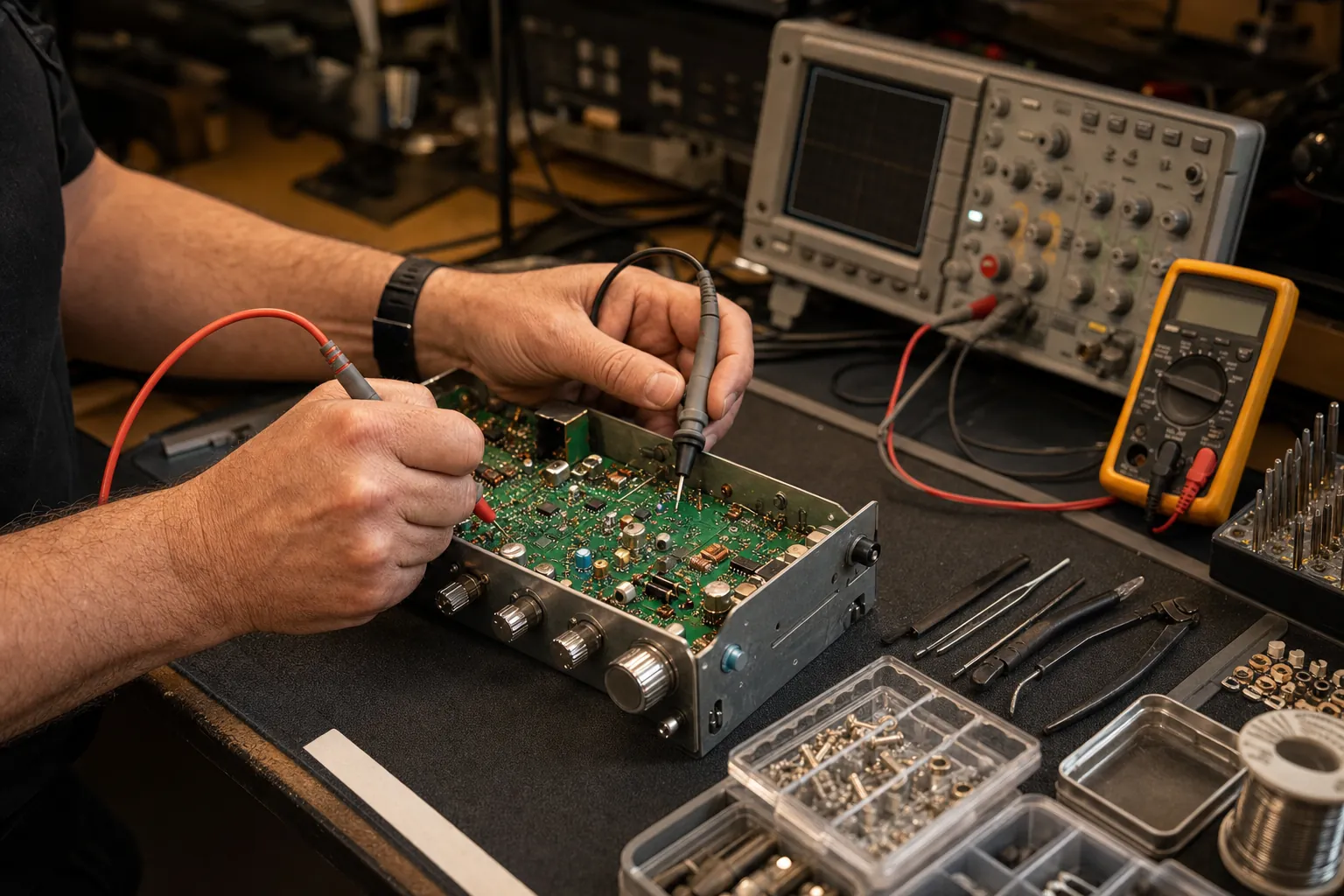
Custom CB Radios
When a radio starts acting wrong, the answer is not always a replacement. Tell the shop what changed and get the repair conversation started with people who know the equipment and the bench work behind it.
Request a Repair →CB radios can develop problems that sound simple from the driver’s seat: no transmit, weak receive, distorted audio, a dead display, intermittent power, or a radio that quit behaving after a change to the truck. The radio itself may be the cause. It may also be reacting to power, coax, antenna, microphone, or mounting trouble around it.
That is why Custom CB Radios starts with the details. The make and model, what the radio does when the problem shows up, and what has changed in the installation all make the first conversation more productive. You do not need to identify the failed component. Clear symptoms are enough to give the shop a sensible place to begin.
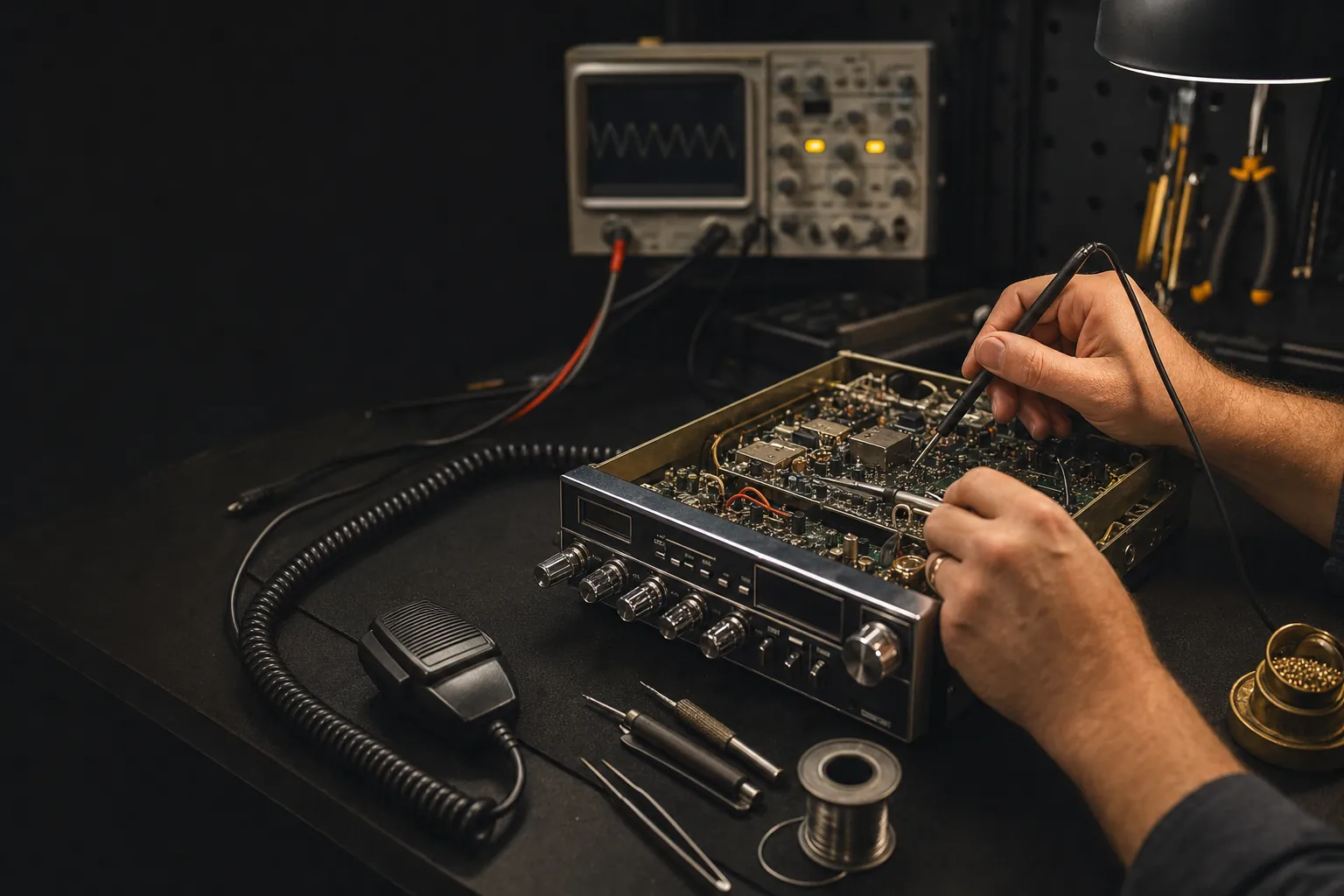
When Repair Makes Sense
A radio that has gone quiet, lost transmit, developed a noisy receive path, or begun cutting in and out can be frustrating, especially when it is part of a working vehicle. Replacing it without looking at the symptoms can leave the real issue in place, whether that is inside the radio or elsewhere in the system.
The shop works in the world of CB and 10 meter equipment every day. That means the conversation can include the radio, the microphone, the antenna line, the power connection, and the way the setup is actually being used, instead of treating every failure as a generic electronics problem.
For a radio that used to work normally and then changed, the timing matters. A problem that starts after a new antenna, cable, microphone, battery change, or installation move is useful context. A problem that comes and goes with vibration, weather, or a particular channel is useful too. Those observations help point the request in the right direction before any repair decision is made.
It is also worth mentioning what still works. A radio that receives clearly but will not transmit tells a different story from one that will not power up at all. A radio that works on the bench but fails only after a long drive needs different context from one that has been silent since a wiring change. Those small details make it easier to have a useful repair conversation from the start.
Before You Send a Request
Model information tells the shop what equipment is involved and avoids guesswork about controls, features, or common setup differences.
Describe the actual symptom: no power, no transmit, weak receive, distorted audio, a display issue, a protection warning, or an intermittent fault.
Include any new microphone, antenna, coax, power work, mounting change, battery issue, or installation move that happened before the trouble began.
Simple notes about fuses, power connections, antenna readings, another microphone, or when the issue appears can prevent a useful clue from getting lost.
The Whole Setup Matters
Radio trouble does not always live inside the chassis. A loose power connection can imitate a failed radio. A damaged coax line or poor antenna connection can change how the radio performs on the road. A microphone or connector issue can make a solid radio seem like it has lost transmit audio. The useful move is to describe what you see rather than trying to force the symptom into one explanation.
If range has dropped, the radio shows a protection warning, or the issue began after antenna work, include your SWR readings when you have them. The shop’s CB antenna tuning guide explains how to take a channel 1 and channel 40 reading without turning a basic check into a guess. You do not need perfect numbers to request repair, but those details can reveal when an antenna-system issue deserves attention first.
The same goes for custom or modified equipment. Let the shop know what is installed and whether the radio had been working normally with that equipment before the issue started. Accurate information makes the next step clearer and helps avoid an unnecessary replacement decision.
Before the Radio Leaves Your Hands
If you are getting ready to send a radio in, write down the symptoms while they are still fresh. Note whether the problem happens all the time or only after the radio has been running, whether receive and transmit behave differently, and whether the issue changes when you move the microphone cord, power lead, or antenna coax. Those notes are more helpful than a vague “not working” description because they preserve the conditions around the failure.
Do not send loose accessories unless the shop asks for them. A microphone, power cord, mounting hardware, or antenna part can be relevant, but the right items depend on the symptom. Start with the radio model and a clear explanation of what you have tested. The shop can then help determine what information or equipment matters for the next step.
For a mobile radio, include how it is powered and where the antenna is mounted. For a base setup, mention the power supply, antenna type, and any recent changes. You are not expected to troubleshoot every piece yourself. The goal is simply to make sure the repair conversation begins with the details that matter most.
A short video can help when it clearly captures an intermittent display, audio, or power symptom.
How to Get Started
Give the model, the problem you are seeing, and the setup details that seem relevant.
Use the form below, or call or email the shop when a direct conversation is the better fit.
The shop can review the information and help determine the appropriate path for the radio and the surrounding setup.
FAQ
Include the make and model, what changed or stopped working, and anything useful about the setup around it. Notes about power, antenna changes, microphones, recent installation work, or an intermittent symptom help the shop start with a clearer picture.
Many radio problems are worth discussing before you replace the unit. A repair request lets the shop review the model and symptoms, then help you determine the most sensible next step for that radio.
Yes. Custom CB Radios works with CB and 10 meter equipment. Include the exact model and the trouble you are seeing so the request can be reviewed in the right context.
No. Describe what the radio is doing, when the problem started, and what has changed around the setup. A clear symptom is more useful than a guess about the failed part.
If the radio has lost range, has an antenna warning, or the problem began after installation work, include your antenna and SWR details in the request. That can help separate a radio problem from an issue elsewhere in the system.
Request CB Radio Repair
Include the make and model, the symptom, and anything that changed around the setup. The clearer the starting point, the easier it is to decide what should happen next.
Prefer email or phone? sales@customcbradios.com · 812-420-1226