Custom CB Radios

Galaxy CB Radios for Sale

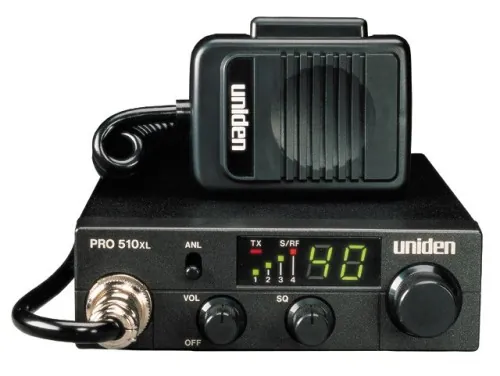
Shop Galaxy CB radios with the cab, antenna system, and everyday use in mind. Custom CB Radios connects you with the current Galaxy selection and the practical guidance that helps each piece of the setup work together.

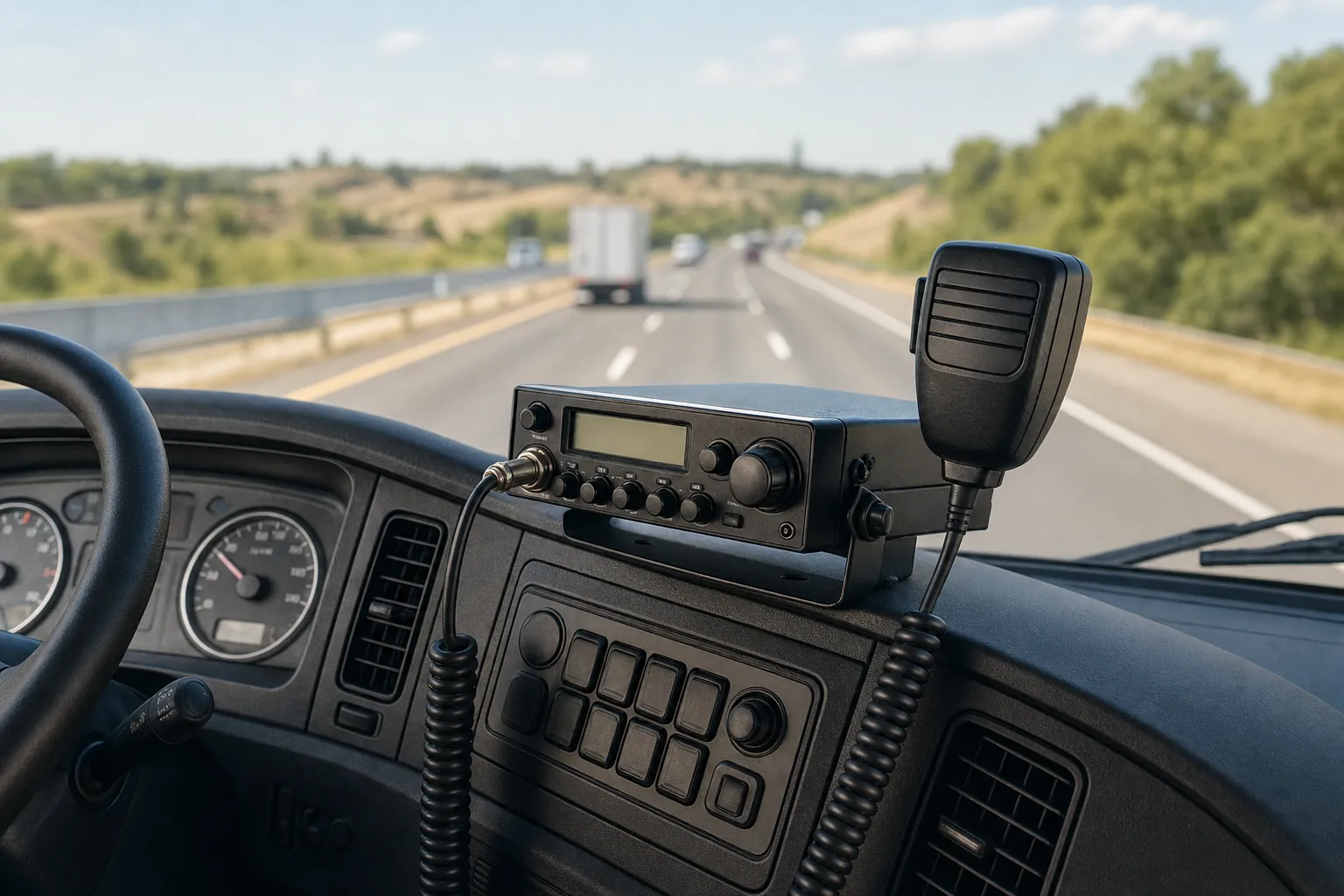
CB radio installed in a working truck cab

A Radio for the Real Setup

A Galaxy radio is a better purchase when it fits the way you will use it and the equipment already around it.

Galaxy CB radios are a familiar choice for operators who want a radio with a more involved control layout and a clear place in a working cab or station. That does not make the decision automatic. A radio that belongs in a new truck installation, a base setup, or a replacement for a radio that has finally worn out can each call for different supporting gear and a different conversation before you order.

The current Galaxy collection at Custom CB Radios is the right place to compare what is available now, including base and mobile options. This page is here to make the buying decision more useful before you reach that collection. It helps you begin with the installation, the way you use the radio, and the condition of the system around it instead of treating a radio purchase as the only decision that matters.

The antenna, mount, coax, microphone, power connection, and mounting location all affect how a radio fits into daily use. When those pieces are in good shape, a new Galaxy radio can be a straightforward addition. When something has changed, the symptom can point to a smaller problem that deserves attention before you replace equipment that may not be at fault.

CB radio ready for a vehicle installation

Start With the Space

Choose the Galaxy radio around where it will live and how you want to use it.

Begin with the physical space, not the product name. Look at the mounting location, the route for the microphone cord, the controls you will need to reach, and the kind of driving or operating you do most. A radio should fit securely, remain easy to use, and leave room for the rest of the installation to stay tidy. Those details matter more over months of use than they do in a quick comparison.

If you are replacing an existing radio, note the model you have now and why it is being replaced. If you are building a new setup, note the vehicle or station, where the antenna will mount, and which pieces you already own. That small amount of context makes the live Galaxy collection easier to shop and gives the shop a clearer starting point if you need help sorting through the options.

Browse Galaxy CB Radios ↗

Keep the System in View

The radio may be the purchase, but the surrounding gear decides whether the setup stays reliable.

01

Give the antenna system a fair check

The antenna, mount, coax, connectors, and SWR all belong to the same signal path. A healthy system gives a new radio the conditions it needs to do its job. If a connection is loose, a cable is damaged, or an SWR reading changed after recent work, resolve that question before asking a replacement radio to make it disappear.

Shop CB Antennas and Mounts →
02

Match the microphone to the radio and the job

Clear transmit audio starts with a compatible microphone and a clean connection. If the report becomes weak, distorted, or intermittent, notice whether moving the cord or changing the microphone affects the symptom. That is useful information when you are choosing supporting gear or deciding whether the current radio really needs replacement.

Shop CB Microphones →
03

Plan the installation before the radio arrives

A secure mount, dependable power route, and protected coax run help a radio feel like part of the vehicle rather than an afterthought. Think through vibration, cord routing, and access to controls while the installation is still simple to adjust. A clean layout also makes future checks easier because you can see what is connected and what may have changed.

Read the CB Installation Guide →
04

Let the symptom guide the next move

A radio that does not power on, a radio that receives but will not transmit, and a radio with a new noise issue do not point to the same answer. Record what still works, when the problem started, and what changed beforehand. Those facts are far more useful than replacing parts at random when the better next step may be repair support.

Explore CB Radio Repair →

Replacement or Diagnosis

A new Galaxy radio can be the right move. It should not be asked to solve a problem somewhere else in the setup.

Choose a new radio when the current one is worn out, no longer suits the mounting location, or does not give you the operating experience you want. It can also be the right place to start when you are building a complete system and can plan the antenna, coax, microphone, mount, and power connection together from the beginning.

Sometimes the radio is simply where the problem becomes most noticeable. A no-transmit issue may begin at the microphone or the antenna connection. A changed SWR reading can point to the mount, coax, or connector. Power that drops in and out can come from the installation. Keeping those clues in view before ordering helps prevent a replacement purchase from becoming an expensive detour.

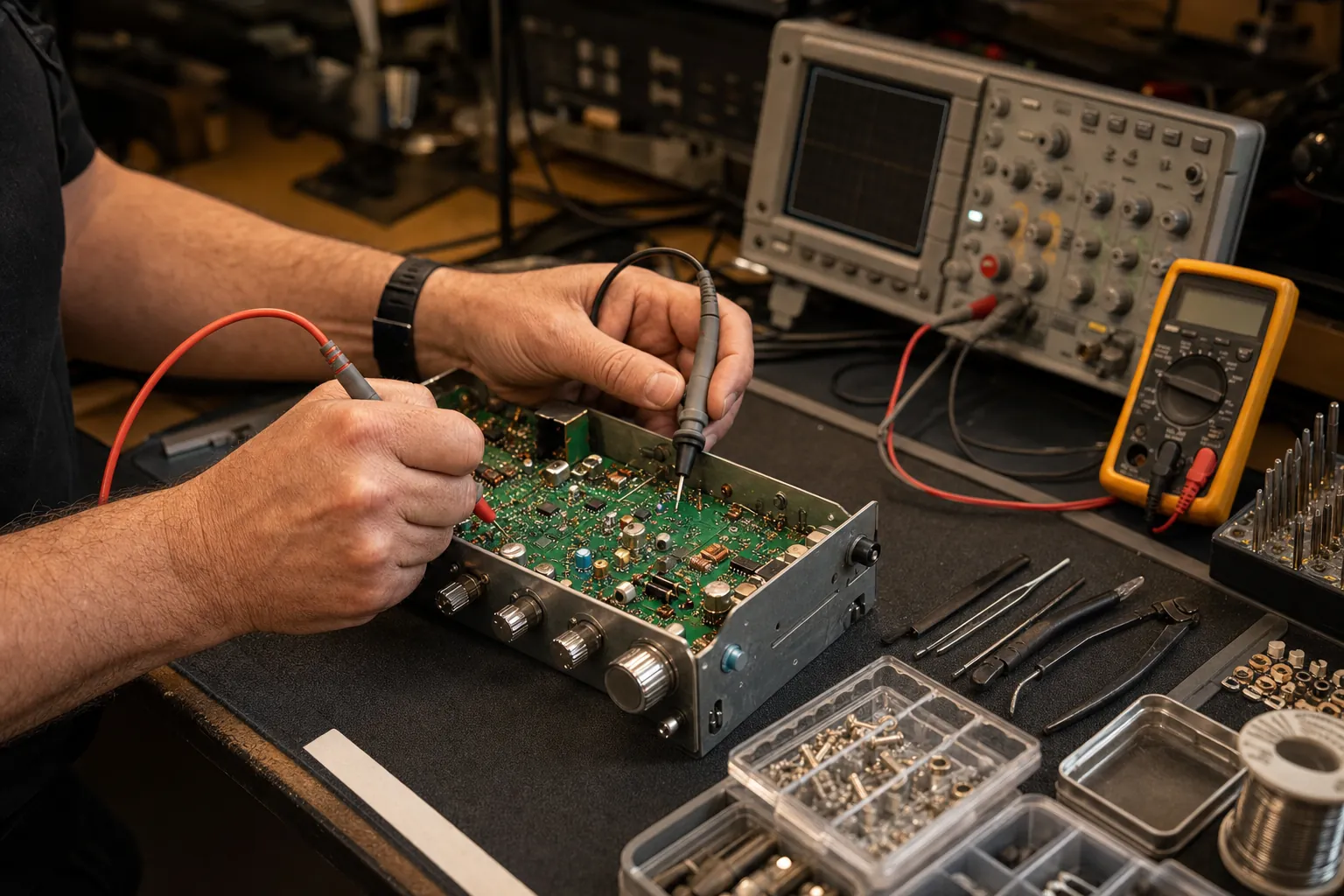
Custom CB Radios combines a real shopping selection with bench experience, so you have a sensible path either way. Browse Galaxy radios when the replacement is clear. When the issue is not clear, bring the model and the symptom to the repair path, where the conversation can start with what the radio and the setup are actually doing.

CB radio being checked on a professional repair bench

Shop With Useful Details

Bring a few facts to the Galaxy collection, then choose with more confidence.

Have the vehicle or operating location, the current radio model, and the available mounting space in mind when you open the Galaxy collection. For an existing installation, note the antenna type, the coax condition, the microphone in use, the power connection, and any recent change. You do not need a complete diagnosis to shop productively, but those details help separate a simple replacement from a problem that deserves a closer look.

If you need to compare beyond one brand, visit CB radios for sale. Drivers who are planning a complete cab setup can also explore CB radios for truckers. For the antenna, mounts, coax, and connection hardware behind a dependable installation, the CB antenna page is a useful next stop.

For a station setup, the same principle applies with a different list of details. Consider the room available for the radio, the feed line route, the power source, the planned antenna, and how you will reach the controls during regular use. A thoughtful starting list makes it easier to choose equipment that belongs together and easier to ask the right question when it does not.

When the equipment has a symptom rather than a clear replacement need, begin with the receive-but-no-transmit guide or send a repair request. The model, what still works, and what changed are the details that make that conversation worthwhile from the beginning.
FAQ

Frequently asked questions

Which Galaxy CB radio is right for my setup?+

Start with where the radio will be used, the controls you want close at hand, and whether you are replacing an established radio or building a system from the ground up. The live Galaxy collection shows current availability, while the vehicle, antenna system, power, and microphone help determine which option makes practical sense.

Can I use my existing antenna with a Galaxy CB radio?+

You may be able to, provided the antenna, mount, coax, connectors, and SWR are in good condition. If the installation has a recent transmit, receive, or tuning issue, check the complete antenna path before assuming a new radio is the answer.

Will a Galaxy CB radio solve a weak or intermittent transmit problem?+

Not always. Transmit trouble can begin at the microphone, its connector, the antenna system, coax, power connection, or the radio. Note what still works and what changed before ordering so the replacement decision is based on the actual symptom.

Can Custom CB Radios help if I am not sure what needs to be replaced?+

Yes. Share the radio make and model, the symptom, and any change to the antenna, microphone, wiring, or mounting. That gives the shop a useful starting point for deciding whether you need equipment, a part, or repair support.

Custom CB Radios

Find the Galaxy CB radio that belongs in your vehicle and your setup.