
A CB radio that receives traffic but will not transmit is frustrating because it feels like half the system is working. The good news is that the symptom gives you a useful place to start. Reception proves the radio has power and that at least part of the receive side is alive. It does not prove the microphone, push-to-talk circuit, antenna system or transmit settings are ready to do their job.
Work from the simple, reversible checks toward the parts that need real diagnosis. Do not start by cutting an antenna, replacing the radio or holding the microphone keyed while you hope the problem clears. A methodical check can save an unnecessary purchase and gives a repair shop a much better description if the radio needs bench work.
First, notice exactly what happens when you key the microphone
Turn the volume down enough that you can focus on the front panel. With the antenna connected and the vehicle parked safely, press the microphone’s push-to-talk switch briefly. Does the transmit light come on? Does the meter move? Does the display change? Is there a click from an external speaker? Those details split the problem into useful paths.
If there is no transmit indication at all, begin with the microphone plug, cord and switch. If the radio shows that it is transmitting but another radio cannot hear you, keep going through the audio and antenna checks below. If the radio immediately shows an antenna warning or an unstable reading, stop the test and inspect the antenna system before keying it again.
Use only the short key-ups needed to observe the radio. The goal is to identify a repeatable symptom, not to run a long transmission into a setup you do not yet trust.
Check the microphone connection and push-to-talk switch
The microphone is often the first place to look because it controls the moment the radio changes from receive to transmit. Unplug it with the radio off, then inspect the plug, locking ring and socket. Look for bent pins, corrosion, a loose collar, a cord that has been pulled hard or a plug that does not seat fully. Reconnect it squarely and hand-tighten the retainer if your microphone uses one.
Then check the cord where it enters the microphone and where it enters the plug. A broken conductor can hide under an intact outer jacket, especially where a coiled cord has been stretched, pinched in a door or wrapped around a mount. If pressing or gently moving the cord changes the transmit light, that is a useful clue. Do not pull on the plug or keep testing through an intermittent connection.
If you have a known-good compatible microphone, trying it can narrow the issue quickly. Compatibility matters, though. Microphones that use similar-looking plugs can have different wiring, so use the radio maker’s information or ask the shop before swapping one at random. The site’s CB microphone guide can help you think through microphone choices after the basic system is working.

Confirm the basic transmit controls
Before assuming a hardware failure, check the settings that can make a working radio sound dead on the other end. Make sure the microphone gain is not turned all the way down. Check that the radio is on the mode you expect to use and that no public-address, weather or menu setting is taking over the microphone function. On a radio with a talkback control, do not use sidetone audio as proof that the antenna is transmitting. It only tells you that you can hear your own microphone inside the cab.
Set the channel, mode and power controls to a normal position recommended for your radio, then repeat one short test. If another nearby radio is available, use it only as a listening check and keep enough distance to avoid overload. You are looking for a simple answer: does the transmit indicator come on, and is there any audio on the other receiver?
A radio that keys but has weak or no audio can still have a microphone or mic-gain issue. A radio that will not key at all is more likely to point back to the microphone connection, the push-to-talk switch, power or an internal fault. Write down which behavior you see because that detail matters far more than saying the radio “does not work.”
Inspect the power lead and fuse before opening anything
A CB radio can sometimes receive at a weak or unstable power connection yet fail when it needs more current to transmit. Check the power plug, the positive and negative leads, inline fuse holder and the point where the radio is tied into the vehicle. Look for a loose crimp, corrosion, a fuse that is heat-damaged, a wire pinched by a seat bracket or an accessory connection that moves when the truck vibrates.
Use the specified fuse type and rating from the radio manual. Do not bypass a blown fuse or fit a larger one to “see if it works.” A fuse is there to protect the wiring and radio, and a blown fuse is a reason to find the cause. If the radio resets, dims, clicks off or changes behavior when you press the microphone, turn it off and correct the power issue before testing the antenna.
For a permanent installation, the power lead should be routed and secured so it cannot chafe, loosen or share a marginal connection with another accessory. That is one reason a problem may appear only after a long drive or a rough road. It is not glamorous, but a solid power feed is part of a reliable radio system.

Do not overlook the antenna, coax and mount
Your radio may appear to key even when the antenna system is in poor condition, but that does not mean it is safe or useful to transmit. The antenna, mount, coax and connectors form the path the radio uses to get the signal out of the vehicle. A loose connector, damaged cable, corroded mount or incorrect antenna setup can create high or unstable SWR, weak transmission or a protection warning.
Start with a visual inspection. Follow the coax from the radio to the antenna. Look for crushed sections, sharp bends, water exposure, loose PL-259 connectors and a mount that has come loose or lost its intended electrical contact. Do not adjust the antenna length because the radio will not transmit until the connection and mounting basics are sound. The CB antenna cable guide covers the most common cable and connector checks.
When the installation looks right, take a short, controlled SWR reading. An external meter gives a better diagnostic reading than guessing from range alone. Our SWR meter guide explains how to connect and read one. The ARRL explanation of standing waves is also useful background on why a mismatch sends energy back along the feed line.

Read the SWR pattern before changing the antenna
A stable pair of readings on channels 1 and 40 can help you decide whether antenna length is even part of the issue. If channel 40 is higher than channel 1, the antenna is generally acting electrically long. If channel 1 is higher, it is generally acting electrically short. Either pattern only means something after the coax, connectors and mount have checked out.
Do not make several changes at once. A small, approved adjustment followed by a fresh reading tells you more than changing the whip, mount and cable route together. If your antenna does not have a reversible adjustment, do not force it or add improvised wire. For the exact channel patterns, use the guide for SWR higher on channel 40 or the companion guide for SWR higher on channel 1.
When both ends of the band are high, when the needle jumps around or when the reading changes as you touch the cable, stop looking for a quick tuning adjustment. The installation needs another inspection. Cobra’s SWR adjustment guidance likewise recommends small changes and fresh readings rather than broad guesswork.
Separate a no-key condition from a no-audio condition
These two symptoms feel similar from the driver’s seat, but they point in different directions. A no-key condition means the transmit light or meter does not respond when you press the microphone. The microphone plug, push-to-talk switch, cable, fuse, radio settings or internal transmit control deserve attention first.
A no-audio condition means the radio shows that it is transmitting, but nobody can hear your voice. Start with mic gain and the microphone itself, then check the antenna system and verify with a nearby receiver. A damaged microphone element, bad plug connection or low mic gain can produce a carrier with little or no usable voice. An antenna problem can make your signal weak or unreliable even if the radio appears to key normally.
Keep your notes simple: whether the radio keys, whether the transmit light comes on, whether another receiver hears anything, the SWR readings, and what changed before the issue started. A new antenna, microphone, power lead or mount is often more relevant than the date the symptom first became annoying.
When the radio needs a bench check
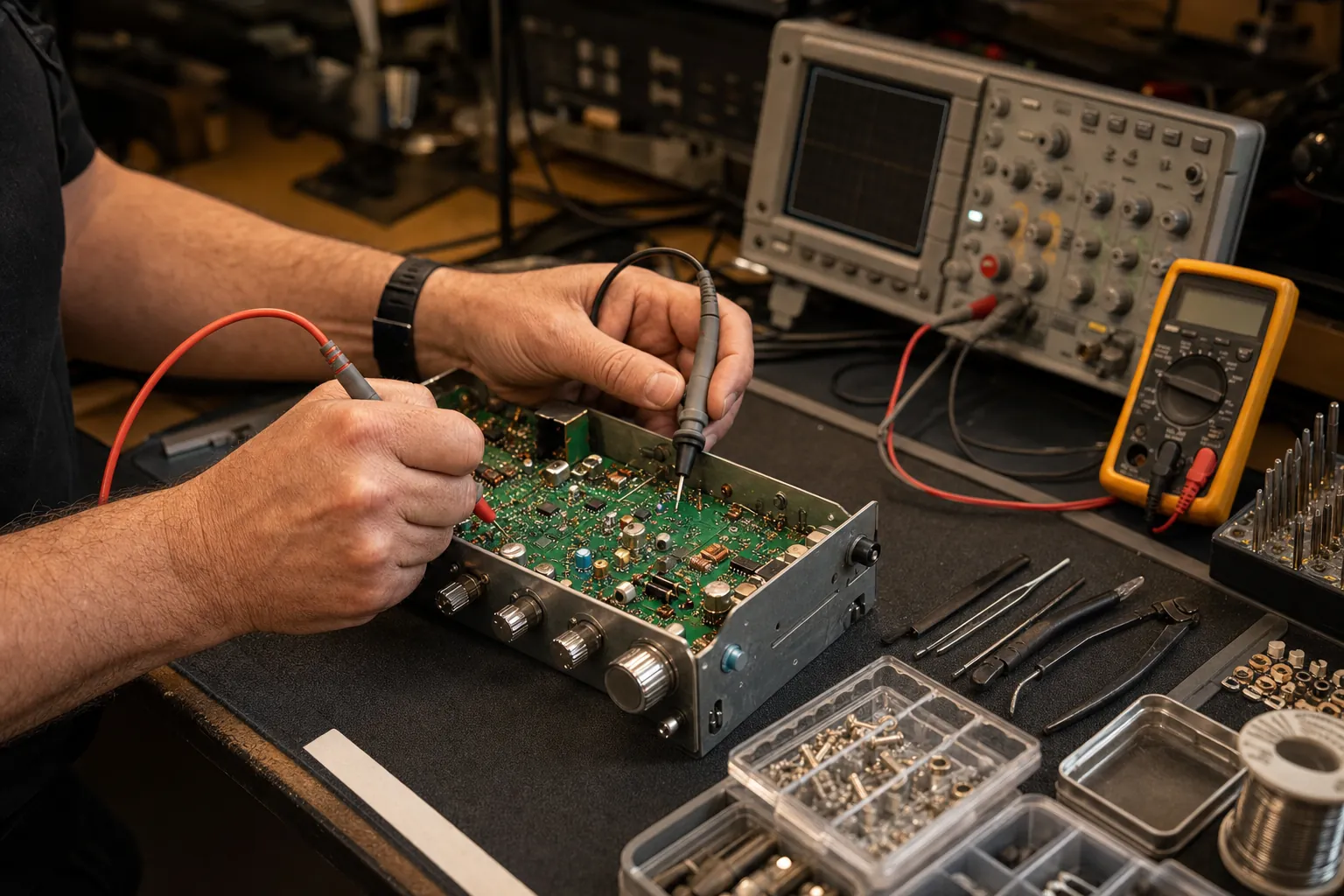
After the microphone, controls, power feed and antenna system have been checked, a CB radio that still will not key or carry audio may need internal service. Internal faults can involve the microphone socket, transmit switching, output stage, solder connections or a component that cannot be identified from the front panel. Opening the radio without the right test equipment can turn one clear symptom into several unknowns.
That is the point to move from testing to repair. Bring the radio model, the microphone model, the vehicle or base-station setup, what the transmit indicator does, the antenna type, and any SWR readings you took. Custom CB Radios can use those details to begin a more focused CB radio repair request. If the radio simply is not worth repairing, the shop can also help you compare a replacement with the antenna, power and microphone parts it needs to work properly.
Need a Bench Check?
Bring the symptom, not a guess.
Share the radio model, what happens when you key the microphone and what has changed in the setup. That gives the shop a useful starting point.
Request a Repair →Frequently asked questions
Why can my CB radio receive but not transmit?+
Receive and transmit use some of the same equipment, but a microphone, push-to-talk switch, microphone plug, power connection or antenna-system problem can stop transmit while the receiver still works. Start with the simple external checks before assuming the radio itself has failed.
Can a bad CB microphone stop the radio from transmitting?+
Yes. The push-to-talk switch and microphone wiring are part of the transmit path. If the microphone plug is loose, the cord is damaged or the switch is not closing reliably, the radio may receive normally but not key or carry audio.
Will a bad antenna stop a CB radio from transmitting?+
Antenna, coax, mount and connector problems can make a radio transmit poorly or show an unsafe SWR reading. Do not keep keying a radio into a clearly high or unstable reading. Inspect the antenna system and use short test transmissions only.
Why does my CB radio key up but nobody can hear me?+
A radio that keys but has no transmit audio may have a microphone, mic-gain, connector or antenna-system issue. Try the controls and connections first. If the symptom remains, share the radio model and what the transmit indicator does with a repair shop.
Should I replace my CB radio if it will not transmit?+
Not before checking the microphone, power leads, fuse, antenna coax, mount and basic controls. A simple connection or accessory problem can look like a radio failure. Replacing the radio without isolating the cause can leave the same symptom in the new setup.
Keep Reading
Related Posts

Guide
How to Install a CB Radio: A Practical Vehicle Guide
Plan a safe, dependable CB radio installation by choosing the radio location, power route, antenna mount, coax path and final SWR check in the right order.Read the guide →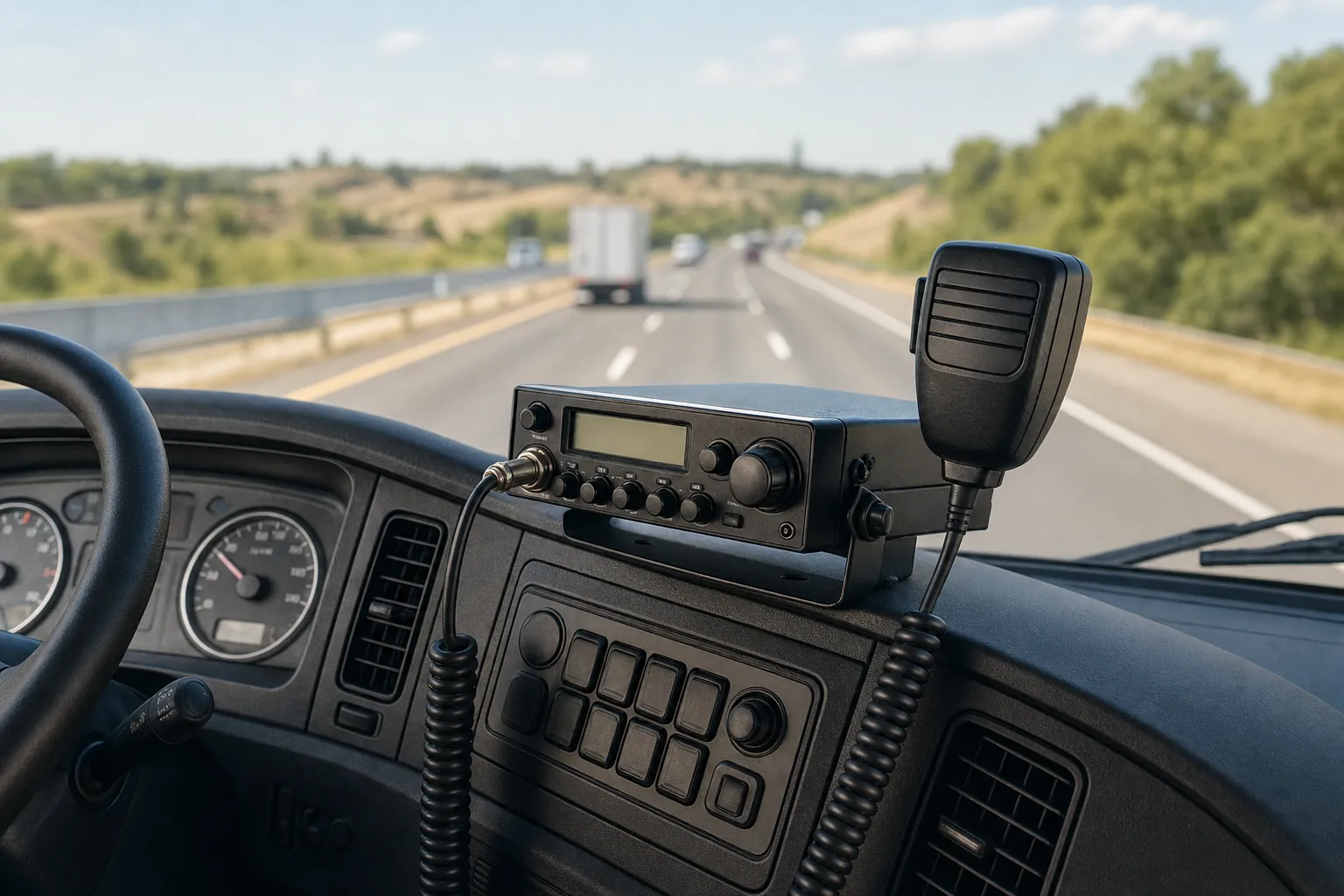
Guide
Do Truckers Still Use CB Radios? What They’re Good For
CB radios are still useful for nearby, real-time road communication. Learn where they fit alongside a phone, what to expect and how to build a dependable truck setup.Read the guide →
Guide
CB Radio Turns On but Has No Sound? 7 Checks Before Repair
CB radio turns on but no sound? Check the volume, squelch, external speaker, microphone and audio modes before booking a repair.Read the guide →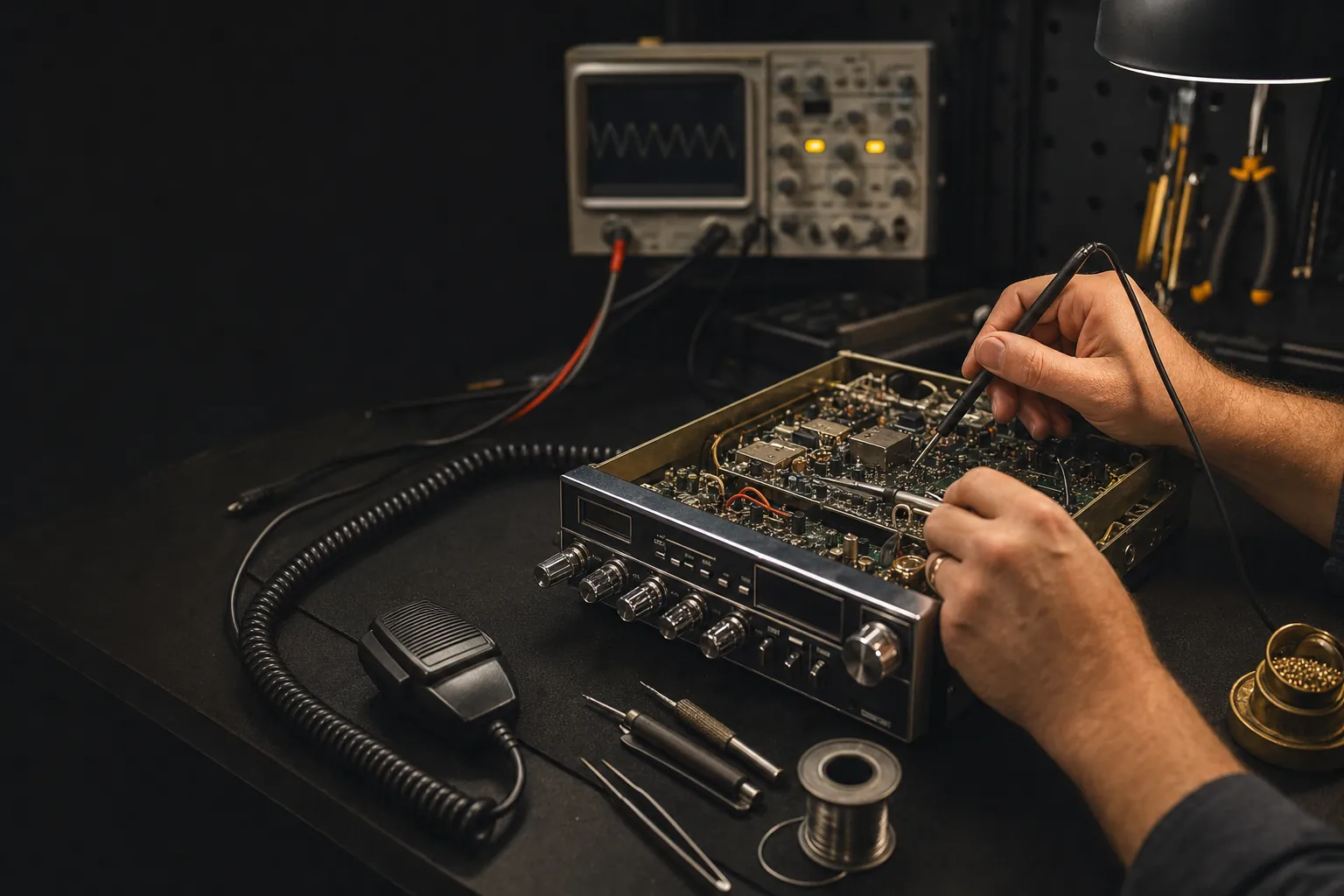
Guide