Custom CB Radios

Galaxy DX 959 CB Radio for Sale

Shop the Galaxy DX 959 with the cab, antenna system, installation, and everyday use in mind. Custom CB Radios gives you a direct path to the current listing and practical help around the equipment it will join.

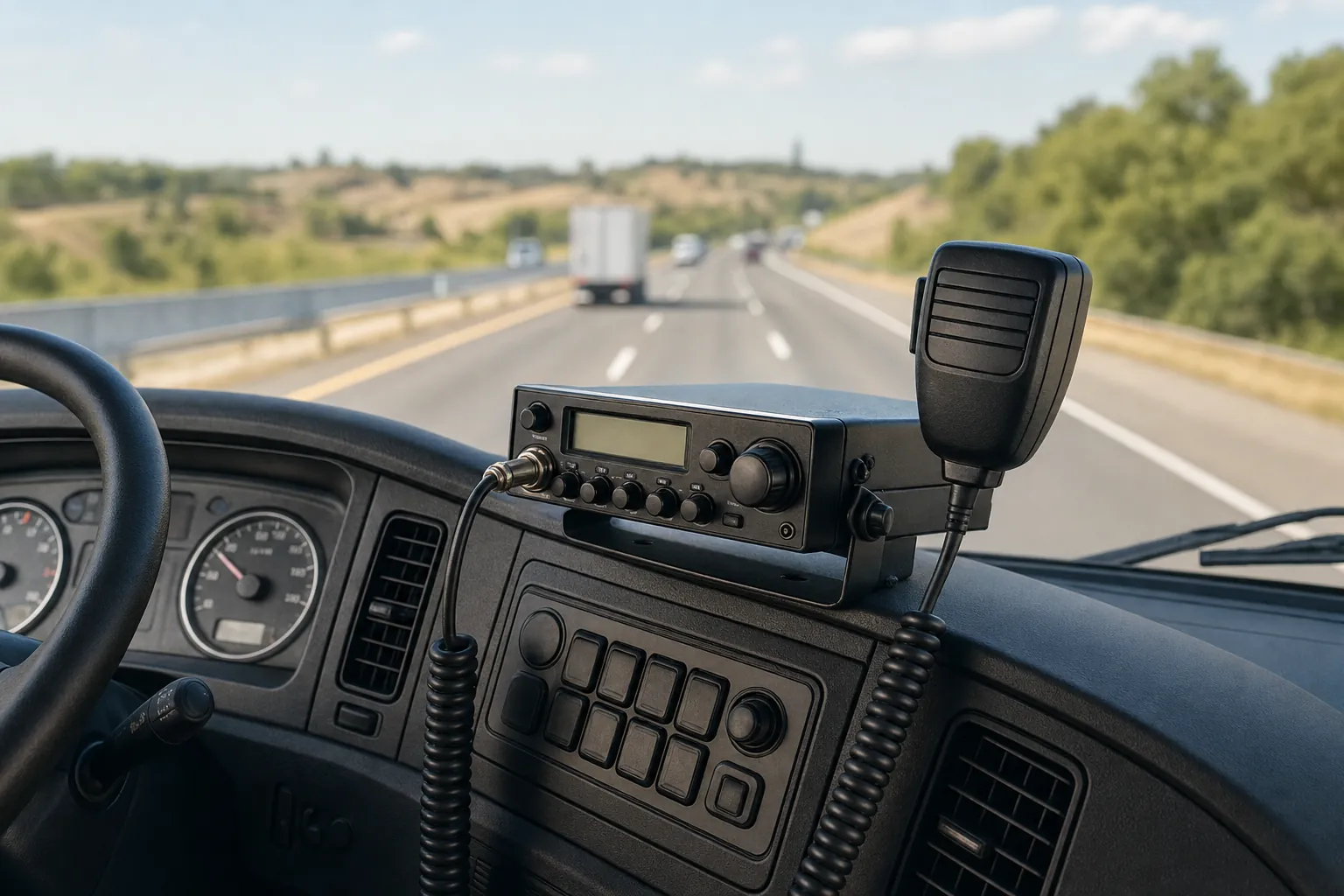
CB radio installed in a working truck cab

Start With the Whole Setup

The Galaxy DX 959 is easier to choose when the system around it is part of the decision.

Model-specific shopping is useful because you already know what has caught your attention. The next question is whether the radio will fit the vehicle or station, the way you use it, and the equipment already in place. The available mounting location, antenna path, microphone connection, power route, and controls you want within reach all deserve a place in that decision.

The live Galaxy DX 959 listing at Custom CB Radios is the place to confirm current availability and order details. This page supports that purchase by helping you look beyond the product name. A radio works as part of a system, so a few checks before ordering can help you identify the supporting gear you need or a setup issue that should be addressed first.

If you are replacing a radio that had been working well, keep the useful clues. Note the current model, what changed, and what still works. A changed SWR reading, intermittent transmit, new noise, or power that cuts out may start somewhere other than the radio. Those details help separate a clear replacement purchase from a repair or installation question.

CB radio ready for a vehicle installation

Make Room for the Radio

Plan the location, controls, and connections before the radio arrives.

Start with where the radio will live. Check the available space, a secure mounting position, the microphone cord route, and access to the controls you will use most. A tidy installation is not just about appearance. It makes the radio easier to operate day after day and makes future checks easier when a connection needs attention.

Then look at the existing equipment. If this is a new installation, identify the antenna location, coax route, power source, and microphone you plan to use. If you are replacing a radio, write down the pieces already there and anything that changed before the old radio began acting differently. That context makes the right next step much clearer.

View the Galaxy DX 959 Listing ↗

Check the Supporting Gear

Four parts of the setup matter before a new radio is expected to solve anything.

01

Start with the antenna path

The antenna, mount, coax, connectors, and SWR belong to the same signal path. A sound antenna system gives a new radio the conditions it needs to do its job. If a cable is damaged, a connector is loose, or an SWR reading changed, resolve that question before adding another variable to the system.

Shop CB Antennas and Mounts →
02

Keep the power route dependable

Think through where power will come from, how the connection will be protected, and what movement or vibration the installation sees. A connection that is secure and easy to inspect gives you a stronger foundation than one hidden under a rushed installation. If power comes and goes now, note when it happens before blaming the radio.

Shop CB Parts and Accessories →
03

Match the microphone and connection

Clear transmit audio depends on a microphone that fits the radio and a connection that stays consistent. If people have reported weak, distorted, or intermittent audio, notice whether moving the cord changes the symptom. That detail can point toward a smaller fix before a complete radio replacement is assumed.

Shop CB Microphones →
04

Use the actual symptom to choose the next step

A radio that receives but will not transmit is a different question from a new static issue or a radio that does not power on. Record what still works, what changed, and when the symptom appears. Those facts make it easier to decide whether the next move is equipment, supporting gear, or bench help.

Explore CB Radio Repair →

A Better Purchase Decision

Choose the Galaxy DX 959 when it fits the job, not just because it is where a symptom shows up.

A new radio is a sensible choice when the current one is worn out, no longer suits the installation, or does not provide the operating experience you want. It is also a straightforward purchase when you are building a complete setup and can plan the mounting location, antenna, coax, microphone, and power route together from the start.

When the old setup changed suddenly, slow down long enough to keep the clues. An antenna connection, coax run, microphone cord, power route, or installation change can create a symptom that becomes noticeable at the radio. That does not mean the radio is the wrong purchase, but it is worth knowing whether the replacement will join a healthy system.

Custom CB Radios brings together an active product listing, supporting gear, and real bench experience. Browse the Galaxy DX 959 when your replacement path is clear. When it is not, bring the model and the symptom to the repair conversation so the next step begins with what the system is actually doing.

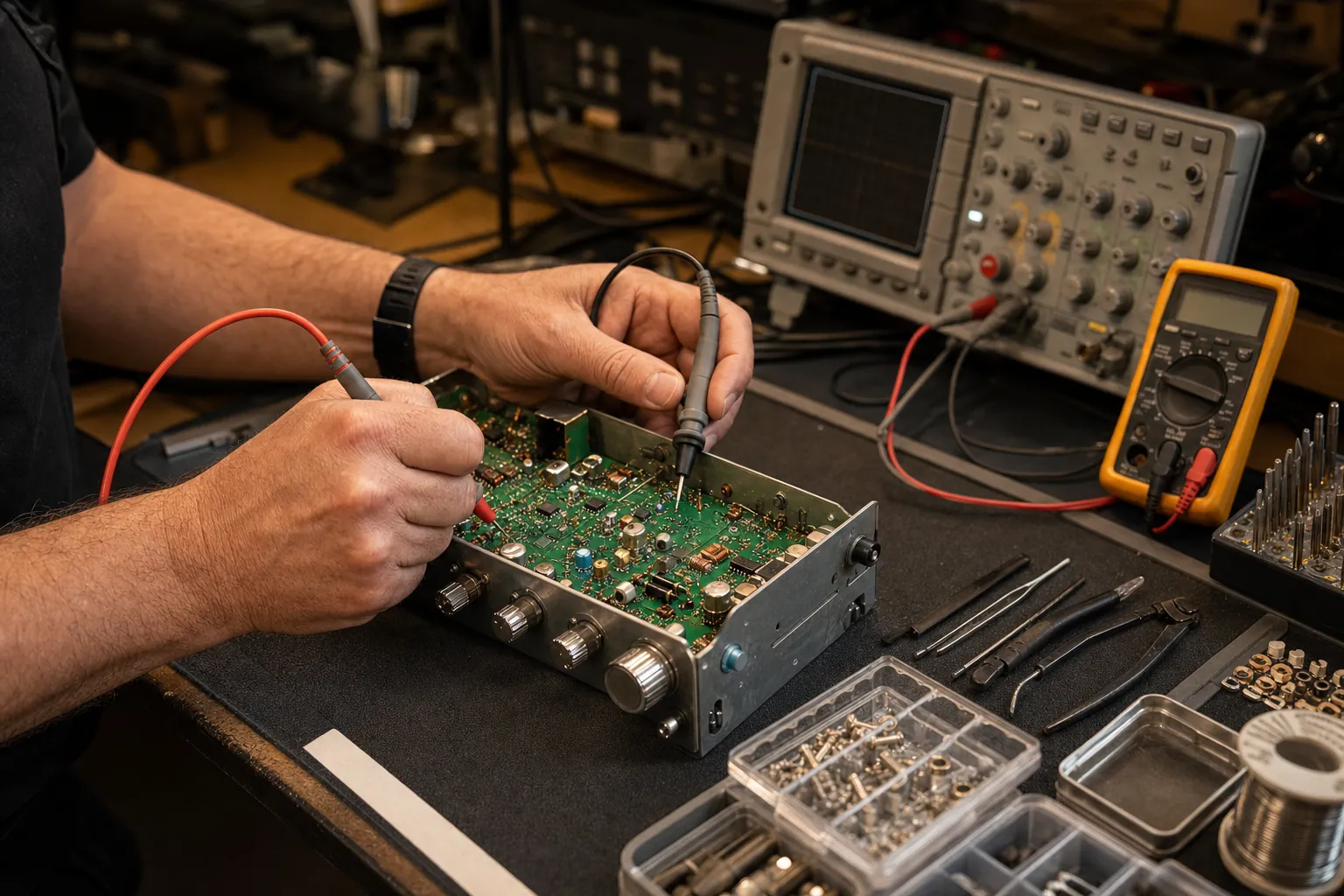
CB radio being checked on a professional repair bench

Before You Order

Bring the details that make the next choice easier.

Have the vehicle or station, the available mounting space, and the equipment already installed in mind when you open the product listing. For an existing setup, the antenna type, coax condition, microphone, power route, current radio model, and any recent change are useful details. You do not need a perfect diagnosis to shop well, but those facts can prevent a simple purchase from becoming an expensive guess.

For a broader look across the brand, explore Galaxy CB radios for sale. If you are comparing several brands, CB radios for sale is the better starting point. For a symptom that is not a clear replacement need, begin with the receive-but-no-transmit guide or send a repair request.

FAQ

Frequently asked questions

Where can I see the current Galaxy DX 959 price and availability?+

Use the live Galaxy DX 959 product listing for the current price, availability, product details, and ordering information. That listing is the source for what is available now.

What should I check before ordering a Galaxy DX 959?+

Start with the available mounting space, the antenna, mount, coax, power connection, microphone, and how you plan to use the radio. Those details make it easier to choose supporting equipment that belongs in the same setup.

Can a Galaxy DX 959 replace any CB radio?+

A replacement can be a good fit when the current radio is worn out or no longer suits the way you operate. If the existing radio has a new transmit, receive, noise, or power symptom, check the rest of the installation before assuming the radio is the only cause.

Can Custom CB Radios help with a setup question?+

Yes. Bring the current radio model, the vehicle or station, the antenna arrangement, and any symptom or recent change. That gives the shop a useful starting point for deciding whether you need a radio, supporting gear, or repair help.

Custom CB Radios

Find the Galaxy DX 959 and supporting gear that belong in your setup.