
A CB that seems dead on receive does not always have a dead receiver. A quiet channel, a squelch control set too high, a partly inserted speaker plug or a mode mismatch can look exactly like a radio failure from the driver’s seat. Start by separating “I cannot hear anybody” from “the radio cannot receive.” That keeps a simple setting or connection from becoming an unnecessary replacement purchase.
This process stays outside the case. It gives you useful observations to work from, protects the antenna system from random testing and makes it easier to know when a repair bench is actually the right next step.
1. Make sure there is a real signal to hear
A quiet CB channel is normal at many locations and times. Before diagnosing the radio, use a known nearby CB radio for a short test or listen where you reasonably expect local traffic. Keep both radios on the same channel and mode. A controlled comparison is far more useful than repeatedly changing channels and hoping to hear a stranger.
Channel 19 is commonly used for road information, but it is not guaranteed to be active. If a second radio is available, place it far enough away to avoid feedback and make a brief, lawful radio check. The FCC permits brief tests, and practical testing should stay brief and purposeful.
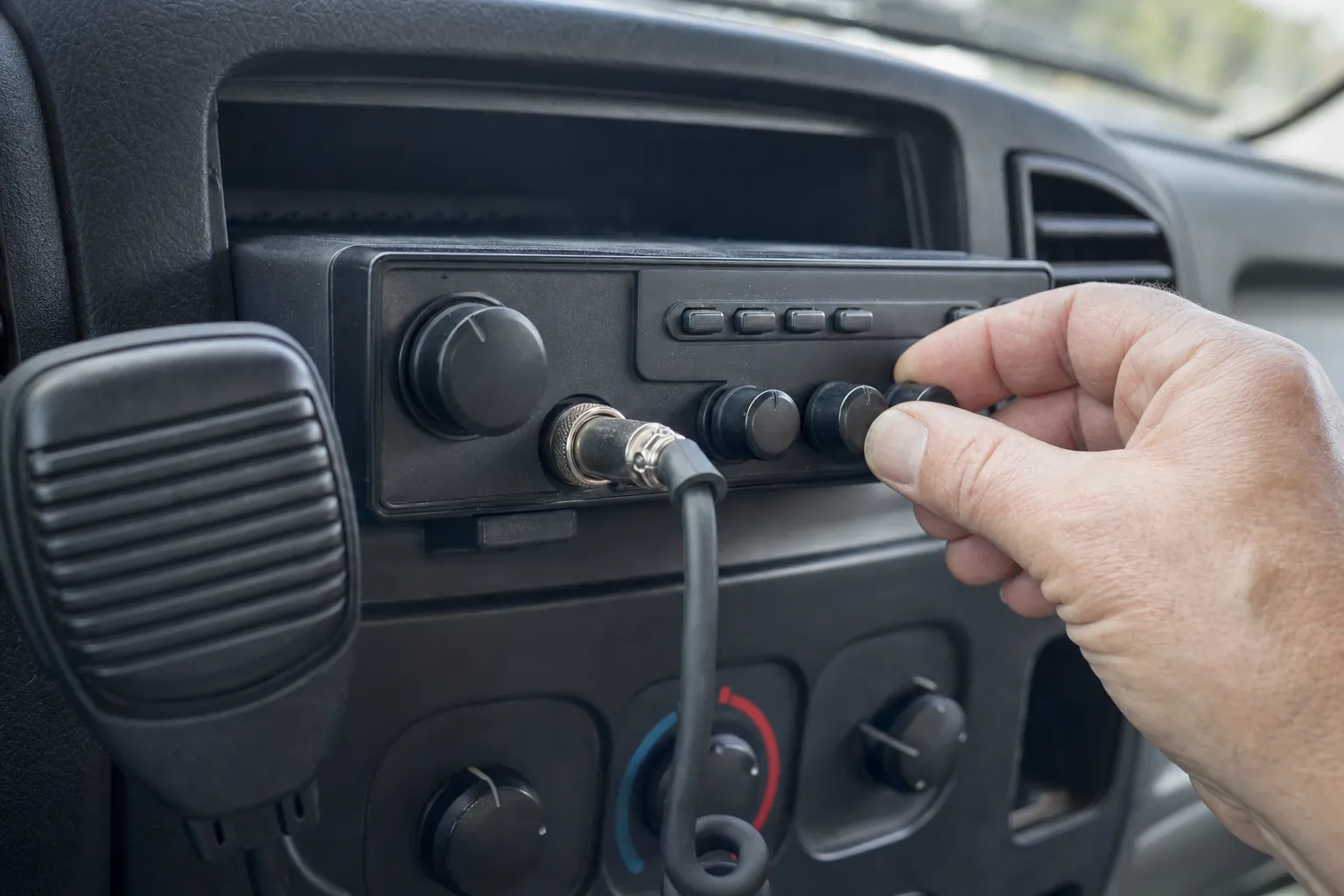
2. Turn the volume up, then lower the squelch
Set the volume to a comfortable listening level. Then turn squelch down slowly until you hear background static. Cobra’s operating guidance explains that squelch mutes background noise and that setting it too high can reduce the signals you hear. If static returns as you lower it, the radio’s speaker and basic receive-audio path are responding.
Once you have confirmed that, raise squelch only until the noise just disappears. This gives the receiver the best chance to open for a weak nearby signal without leaving the cab noisy all day. If turning squelch all the way down changes nothing, do not skip ahead: that points toward the speaker path, a mode setting or a more focused check.
3. Check RF gain, mode and channel settings
If your radio has RF gain, set it to its normal high setting for the first test. RF gain controls receiver sensitivity, and turning it down can make weak signals disappear. Also check that a multi-mode radio is on the same mode as the station you expect to hear. A regular AM CB transmission will not sound right if the radio is set for a different mode.
Look for switches that change the radio’s job. A public-address setting routes microphone audio to an outside speaker and is not the same as normal CB receive. Scan, weather or channel-memory features can also leave the radio somewhere other than the channel you meant to monitor. Return to a simple known channel and normal receive mode before making the problem more complicated.
4. Inspect the external-speaker connection
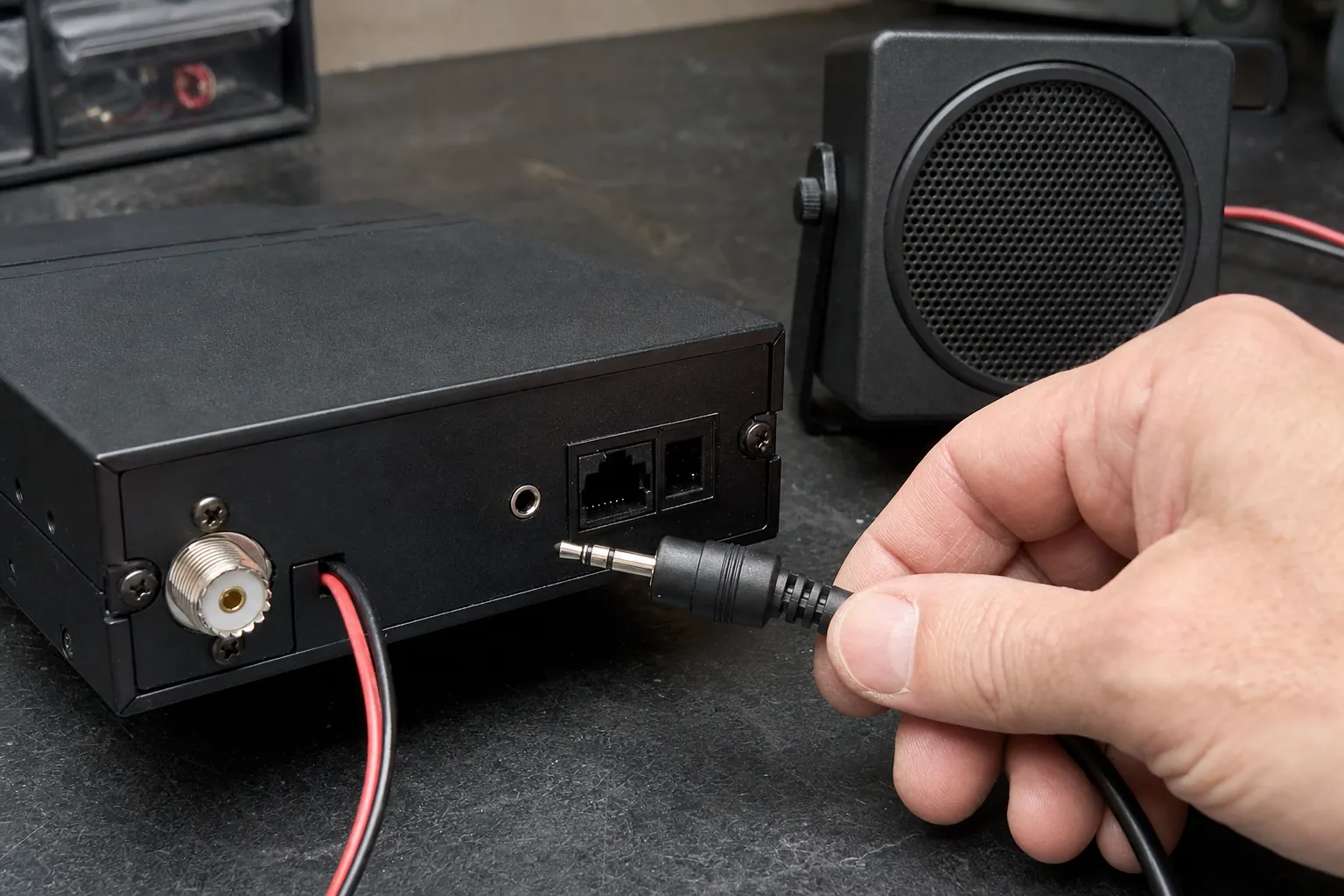
Many CB radios route receive audio away from the internal speaker when an external speaker plug is inserted. A loose plug, a damaged external speaker or a jack that is only partly engaged can leave the radio looking powered and healthy while no sound reaches the cab. Turn the radio off, remove the plug if your radio’s instructions allow it, and test the internal speaker again.
If the internal speaker works after the plug comes out, inspect the external speaker cable and connector before blaming the radio. If neither speaker works but you can see a receive indication on the meter or display during a known test, write that down. It tells a technician that the signal may be reaching the radio while the issue sits farther along the audio path.
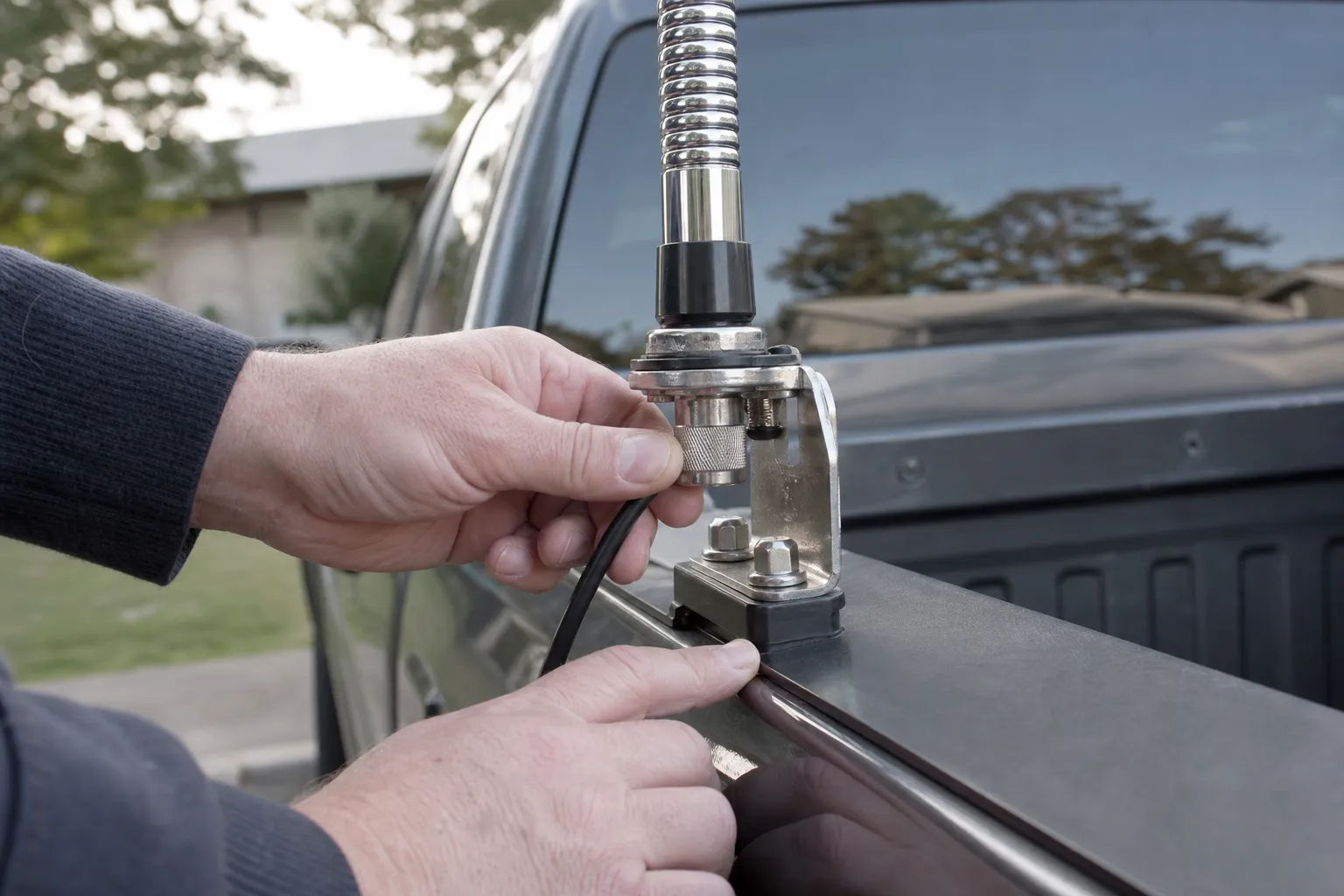
5. Check the antenna and coax without guessing
The antenna system affects receive as well as transmit. Start at the radio and follow the coax to the mount. Look for a connector that has loosened, a center pin pushed back, a crushed cable near a door or trim panel, moisture, corrosion or a mount that can move. A changed antenna position, new rack or damaged connector can make a familiar radio suddenly seem deaf.
Do not use a receive problem as a reason to keep keying the microphone. If you notice an antenna warning, unstable meter behavior or a suspicious connection, stop and inspect the system. Our CB antenna coax guide covers the physical checks, and the CB antenna test guide explains how to make a measured SWR check once the connections look sound.
6. Compare with a known local radio
When controls and connections look right, a second nearby radio is the cleanest comparison. Set both radios to the same channel and mode. Have the other operator make a short transmission while you watch your radio’s receive indicator, meter or signal light. Then reverse the direction if it is safe to do so and the antenna system is known to be in good condition.
If your radio shows receive activity but no audio, return to the speaker and control checks. If it shows no receive activity while the comparison radio clearly hears yours, inspect the antenna connection and note the radio model, channel, mode and results. Those details are much more useful than saying it “does not receive.”
What a weak or noisy receive signal can tell you
Not every receive problem is complete silence. Sometimes traffic is there but sounds weak, buried in noise or present only when another vehicle is very close. That difference matters. A speaker-path problem usually removes audio altogether. A weak-signal problem asks you to look at the antenna system, the surrounding electrical noise and the conditions of the test.
First, compare the same nearby station with the engine off and then in the normal parked condition, if it is safe to do so. A meaningful change can point toward electrical noise from an accessory, charger, inverter or vehicle system. Do not assume every hiss is a failed radio. In a moving vehicle, alternator noise, ignition noise and other electrical interference can cover up a legitimate signal. The useful question is whether the radio changes predictably when the source changes.
Next, check whether the antenna has a clear normal position. A whip folded against the vehicle, blocked by nearby metal or left loose at the mount can receive differently from the way it did on the road. You do not need to chase every last bar on a meter. You need a stable setup that behaves consistently, then a test that can be repeated after one change at a time.
Do not confuse talkback with receive
Talkback lets some radios play your own microphone audio through the speaker while you transmit. It can be useful for monitoring a microphone or echo setting, but it does not prove that the receiver is hearing outside traffic. A radio can have working talkback and still have a squelch setting, external-speaker issue, antenna problem or receive fault.
For the same reason, a lit display and a working channel selector only prove that the radio has power. They do not prove that the antenna connection, speaker routing and receiver are all healthy. Use each symptom for what it actually tells you. That simple discipline prevents a lot of part swapping.
Keep a short record before you ask for help
Write down the basics while they are in front of you: the radio model, vehicle, antenna type, channel, mode, squelch position, whether static appears with squelch open, whether an external speaker is connected and whether a nearby test radio was heard. Include anything that changed immediately before the problem started, such as a new antenna, a hard bump, a cable reroute, a battery change or a radio moved to another vehicle.
This is not paperwork for its own sake. A good description helps separate a receiver issue from a setup issue quickly. It also protects you from retracing the same checks after a setting gets moved or a connector is re-seated. If a repair shop needs to take over, it gives them a practical starting point instead of a blank symptom.
Keep the order of the checks simple: confirm a signal, open the squelch, verify the controls, check the speaker route, inspect the antenna connection, then compare with a nearby radio. Changing all of those variables at once can make a normal radio look inconsistent. A methodical check gives every result a meaning, whether the answer is a loose plug, a quiet channel or a repair that needs proper test equipment.
If the radio is installed in more than one vehicle, test it in the setup where the symptom occurs. A radio that works in a different vehicle is a strong clue that the original antenna, cable, power connection or speaker arrangement deserves attention.
7. Know when the problem has reached the bench
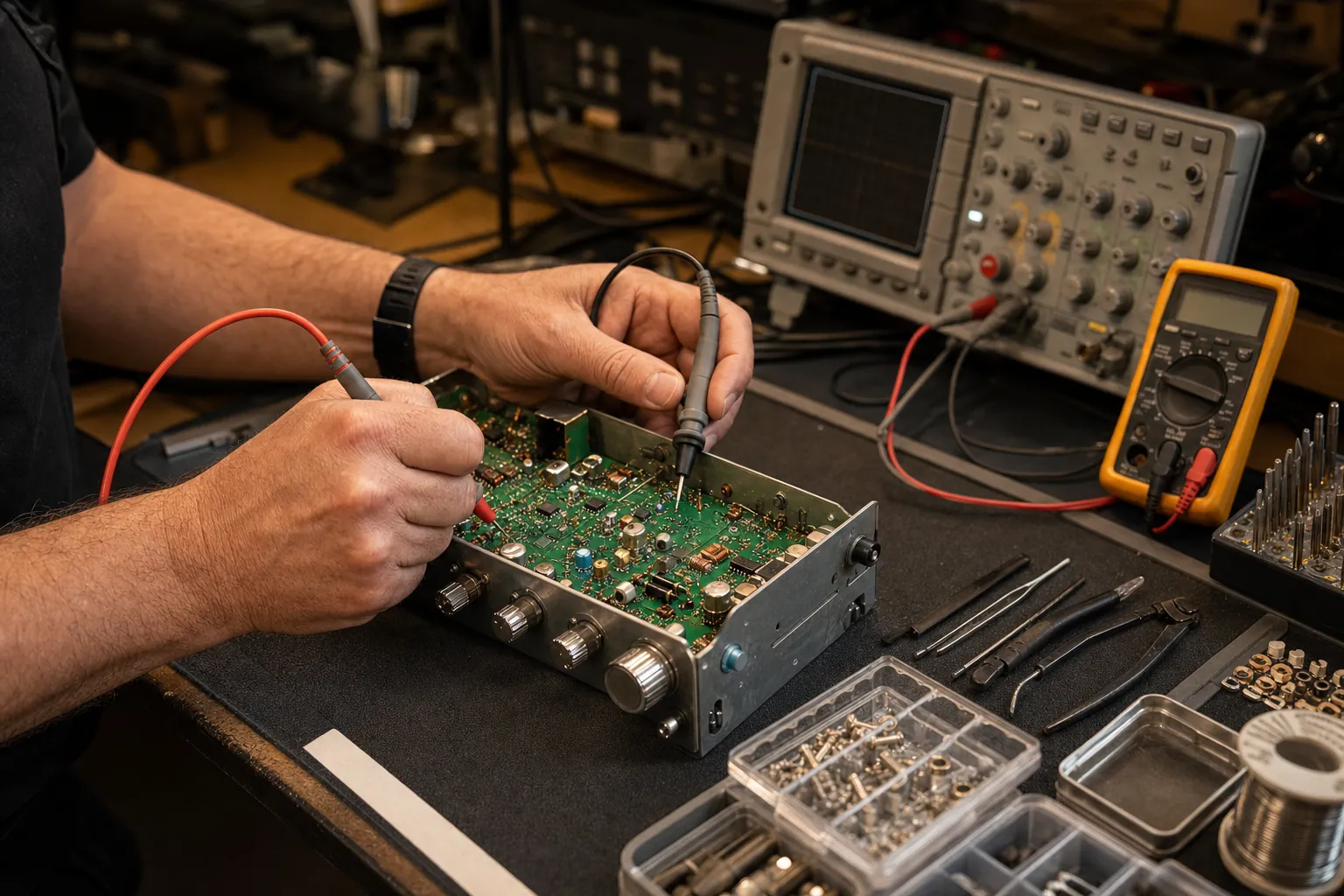
If the squelch is open, RF gain is set correctly, the speaker path checks out, a known local radio is transmitting and the antenna connection looks sound, an internal receive fault becomes more likely. That could involve the receiver front end, switching, audio circuit or a component that cannot be identified by looking at the front panel. Opening the case without a test setup can turn one clear symptom into several unknowns.
Custom CB Radios can start with the useful details you gathered: radio model, whether static returns with squelch open, whether an external speaker changes anything, the channel and mode used, and what happened during the nearby-radio test. Use the repair request when the checks point past the installation. If the issue turns out to be a cable, mount or antenna choice, the same observations make that next decision easier too.
Need a Clear Answer?
Bring the symptom, not the guesswork.
A few focused checks help separate a radio fault from a control, speaker or antenna-system problem.
Request a Repair →Frequently asked questions
Why is my CB radio not receiving anything?+
Start with the controls that can intentionally mute receive audio: volume, squelch, RF gain, the speaker path and the selected mode. Then test against a known nearby radio before assuming an internal fault.
Can squelch stop a CB radio from receiving?+
Yes. Squelch mutes background noise until a signal reaches the level you set. Turn it down gradually with the volume up. If you hear static, the speaker and basic receive path are working.
Can a bad antenna cause poor CB reception?+
Yes. A loose antenna connection, damaged coax, poor mount or antenna problem can weaken both transmit and receive. Inspect the external system before replacing the radio.
Why does my CB radio receive only static?+
Static can mean the receiver and speaker are working but there is no strong local traffic on the selected channel. Check the squelch setting, use a nearby radio for a controlled test and inspect the antenna system.
Keep Reading
Related Posts
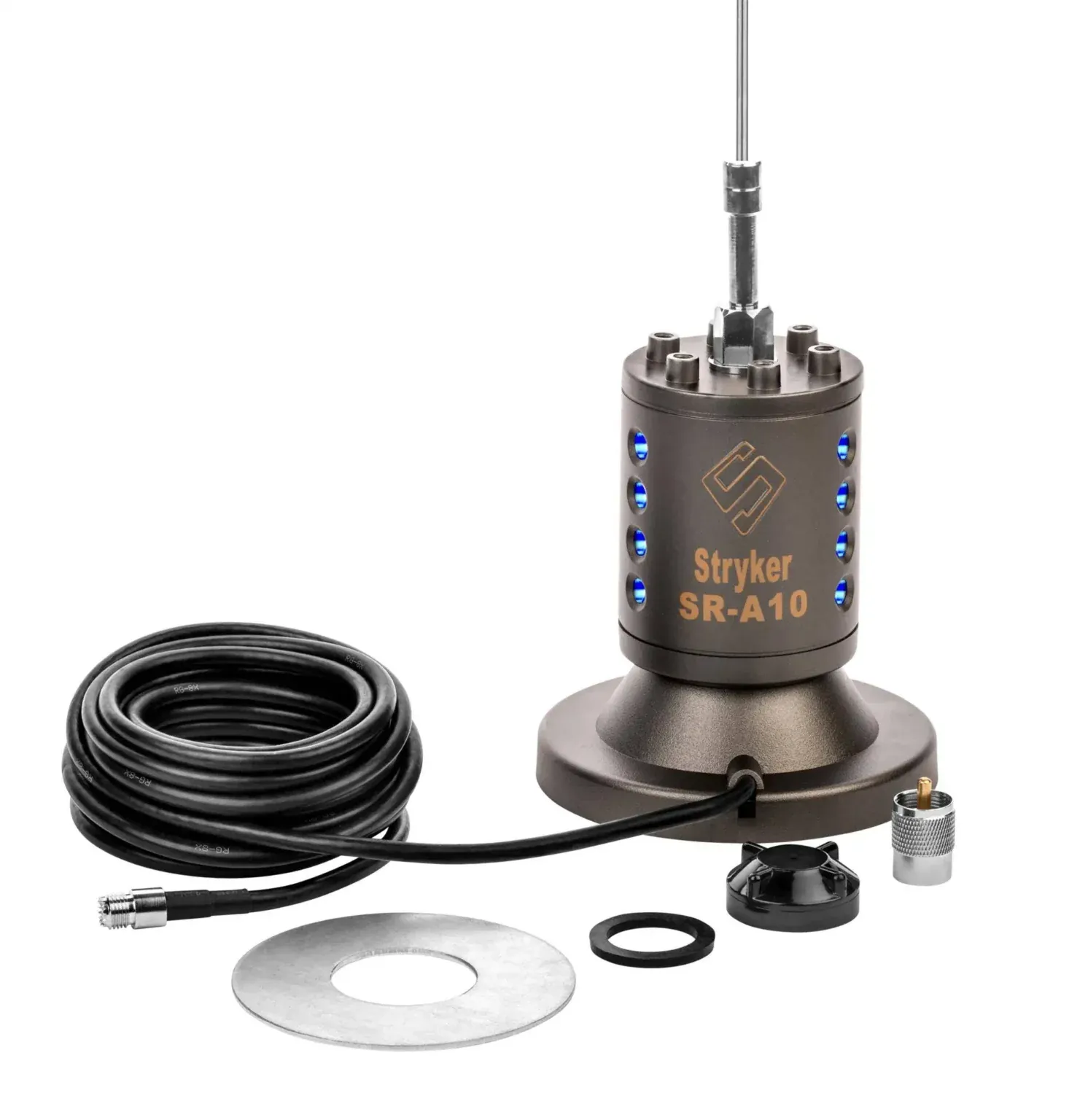
Guide
How to Test a CB Antenna Before You Transmit
Test a CB antenna with an SWR meter, inspect the mount and coax, read channel 1 and 40 results, and know when to stop and diagnose the installation.Read the guide →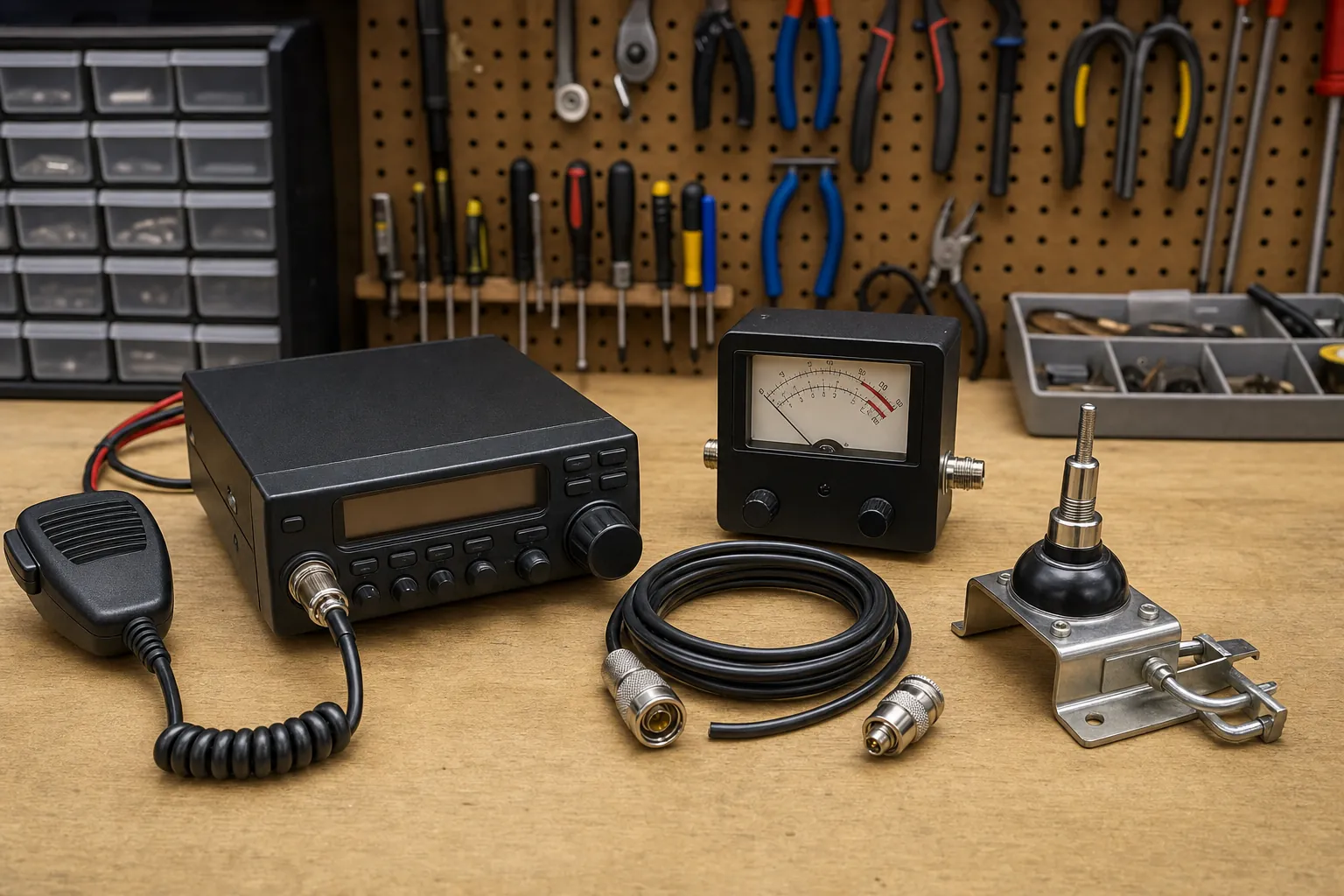
Guide
How to Install a CB Radio: A Practical Vehicle Guide
Plan a safe, dependable CB radio installation by choosing the radio location, power route, antenna mount, coax path and final SWR check in the right order.Read the guide →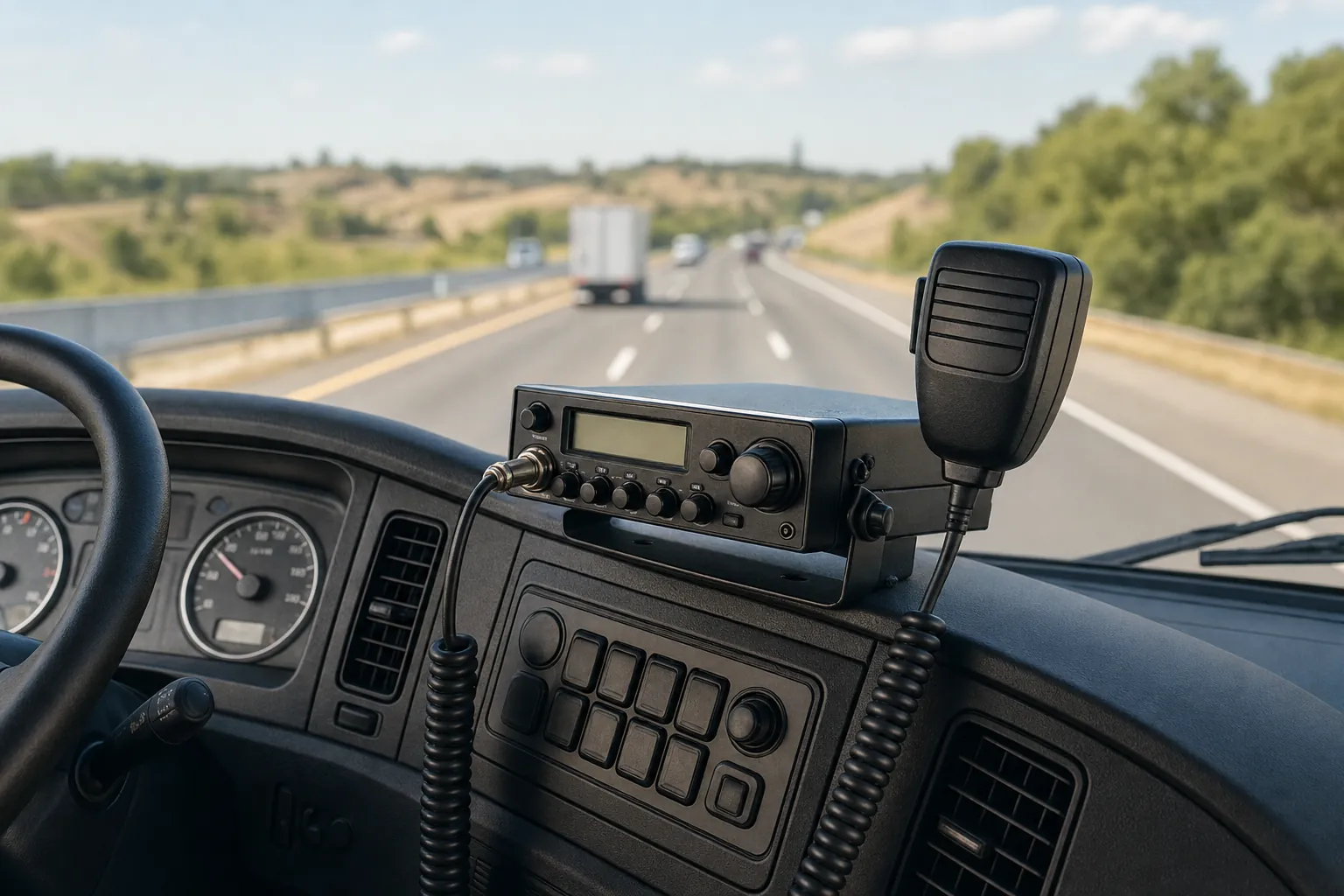
Guide
Do Truckers Still Use CB Radios? What They’re Good For
CB radios are still useful for nearby, real-time road communication. Learn where they fit alongside a phone, what to expect and how to build a dependable truck setup.Read the guide →
Guide