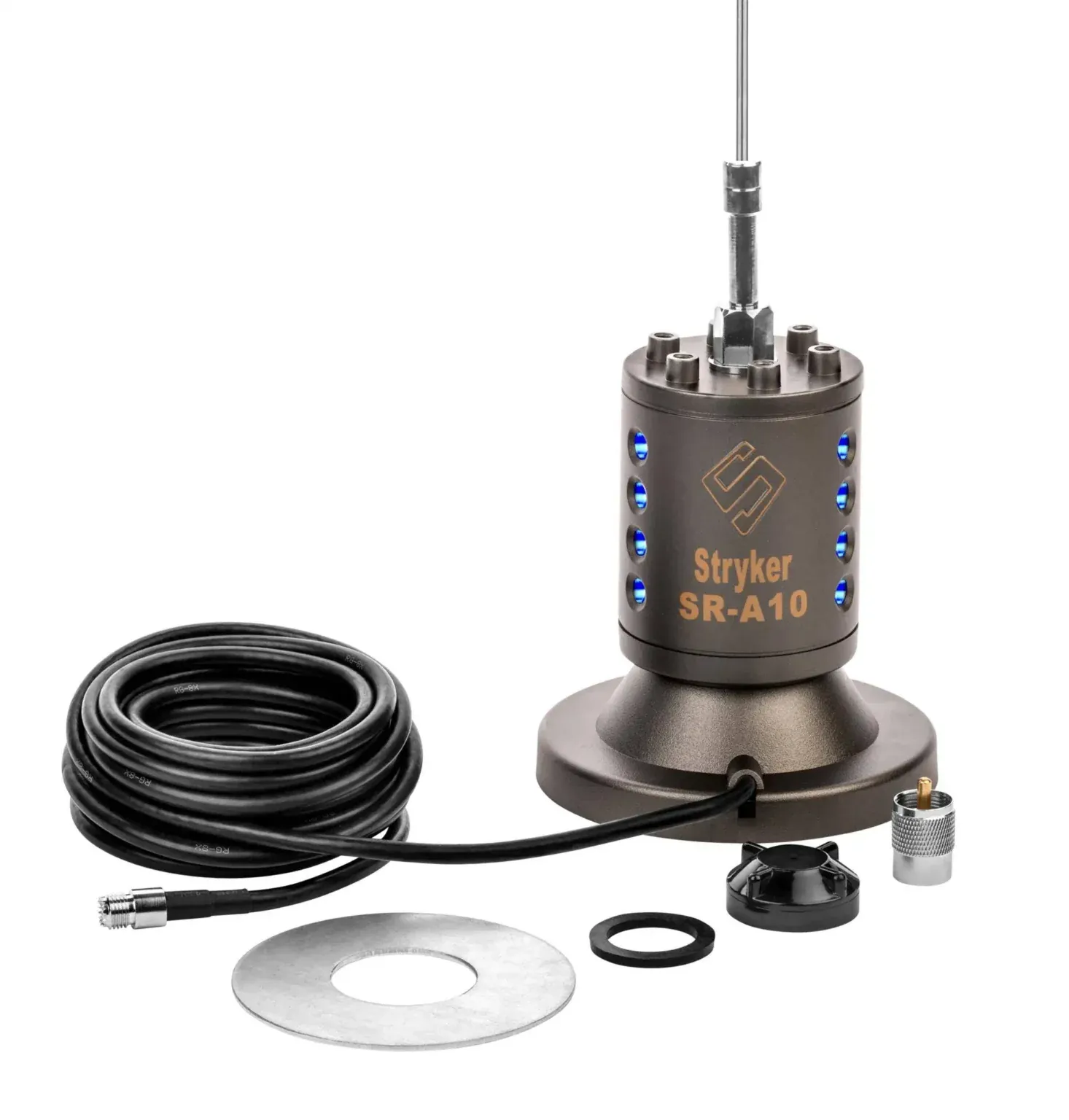
Testing a CB antenna is not a single number or a reason to start cutting a whip. It is a short diagnostic routine that tells you whether the radio, coax, mount and antenna are behaving like one system. A careful test can catch a loose connector before a road trip, confirm a new installation is ready to use, and keep a small problem from being mistaken for a bad radio.
This guide is for a typical vehicle-mounted CB antenna. It starts with the checks that do not require transmitting, then uses an SWR meter to compare the low, middle and high end of the CB band. The goal is a stable, sensible result in the normal operating position, not a perfect-looking reading achieved by changing several things at once.
Start with the right test for the question
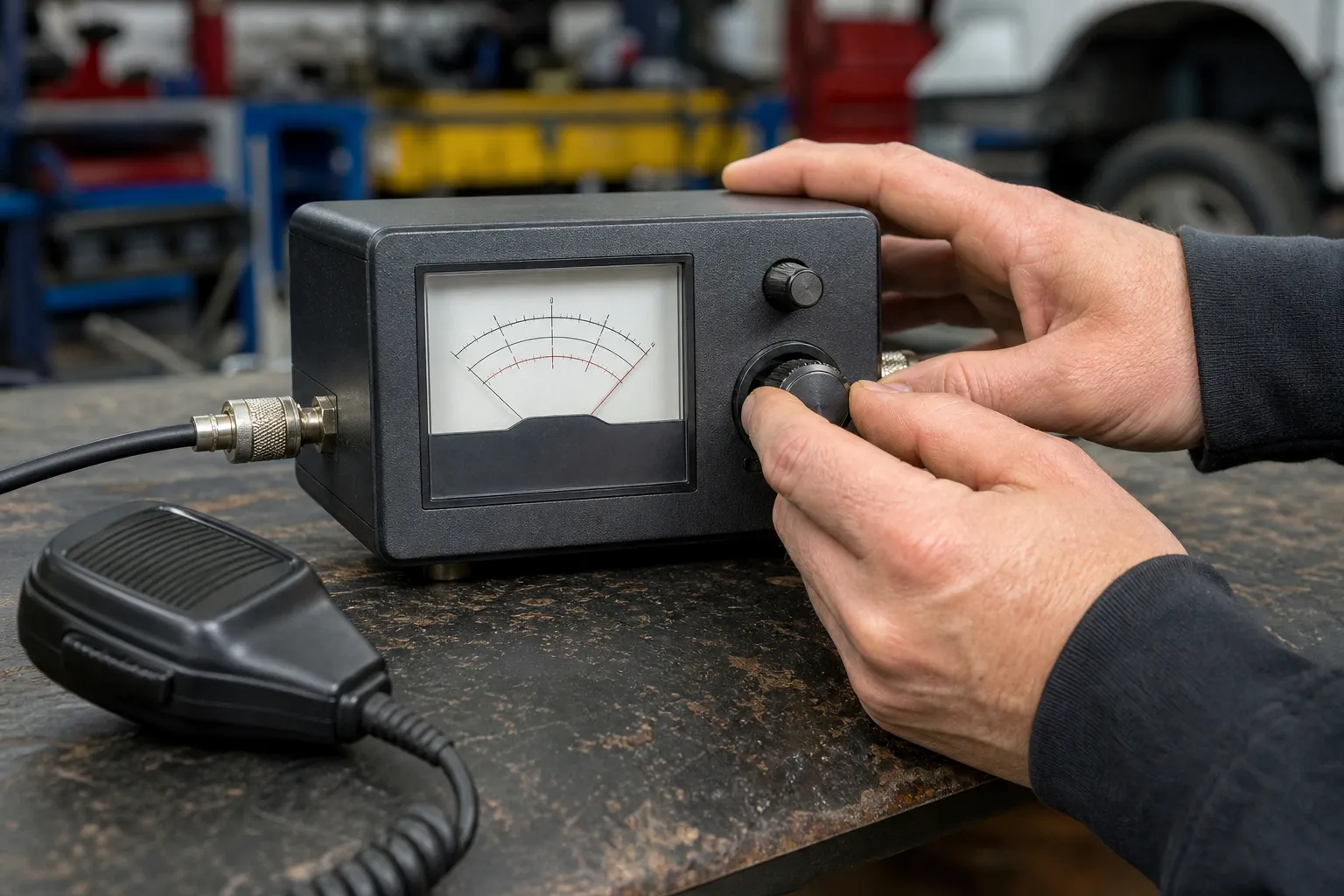
An SWR meter tests how the installed antenna system looks to the radio at a selected channel. It is the right tool for deciding whether a new or changed mobile setup is ready to transmit. The meter belongs in line between the radio and the antenna: the radio connects to the transmitter side, and the antenna coax connects to the antenna side. The ARRL’s radio study guide describes the same placement for an in-line SWR meter.
A multimeter serves a different job. With the system disconnected and safe to handle, it can help identify a broken center conductor, a shield that is not continuous, or an unexpected short in a coax run. It cannot tell you the antenna’s SWR, resonance or real behavior while it is installed. Treat a continuity check as one clue, then use the SWR meter to confirm the complete system.
Prepare the vehicle before taking a reading
Park outdoors in a clear area where you can safely make a short test transmission. Put the antenna in its normal upright position, close the doors and tailgate, and move away from large nearby metal objects when practical. Do not test with the antenna folded, resting against a rack or tucked under a roof. Those conditions can create a reading that has little to do with the way the vehicle is used on the road.
Use the same radio mode, power setting and meter procedure for every reading. A manual meter normally needs a calibration step before each reading. President’s CB setup instructions, for example, place the radio on channel 20 for the center-band check and describe calibrating the meter before reading the reflected value. Follow the instructions for your own meter first, because meter controls and labels vary.
Inspect the antenna system before you key the mic
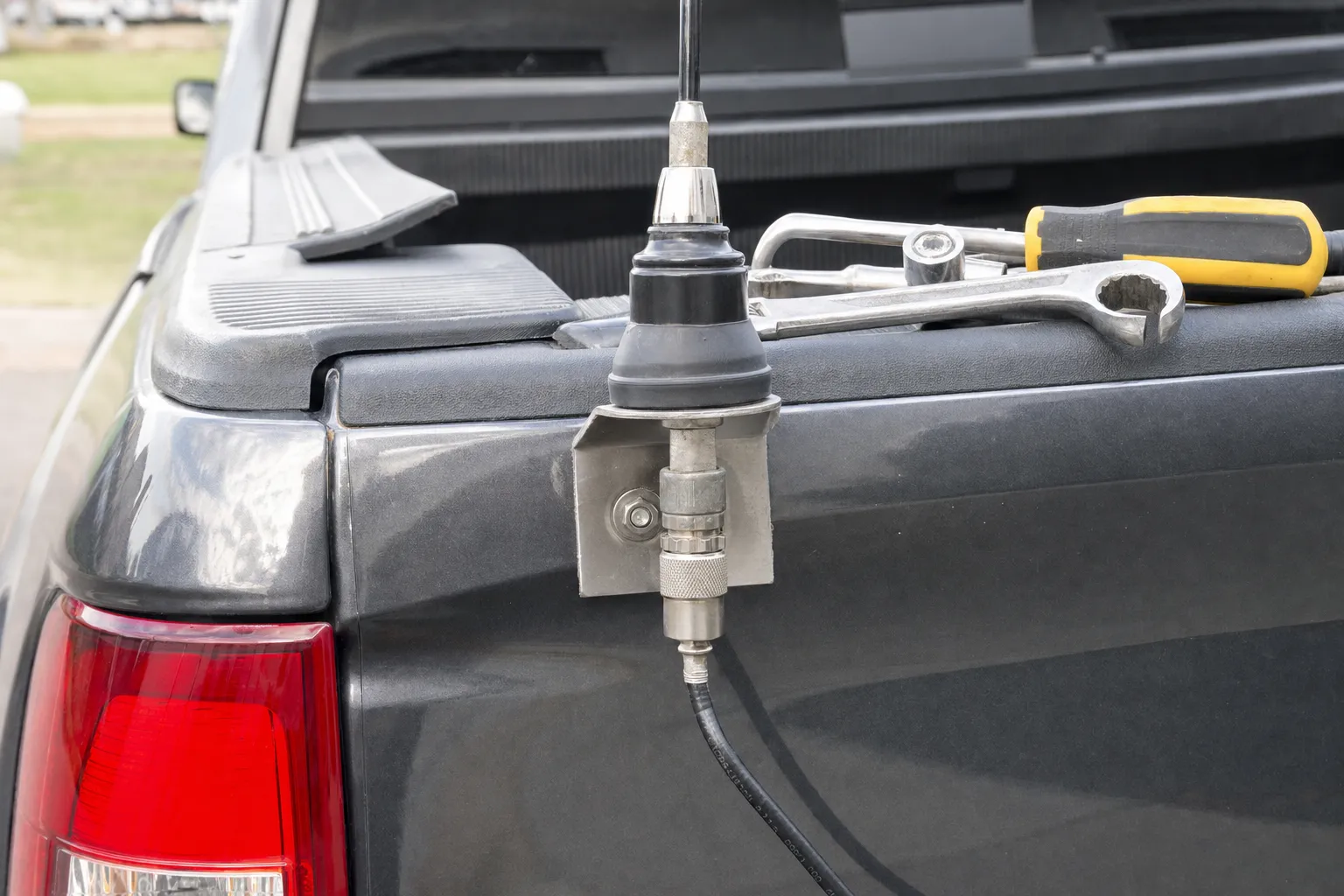
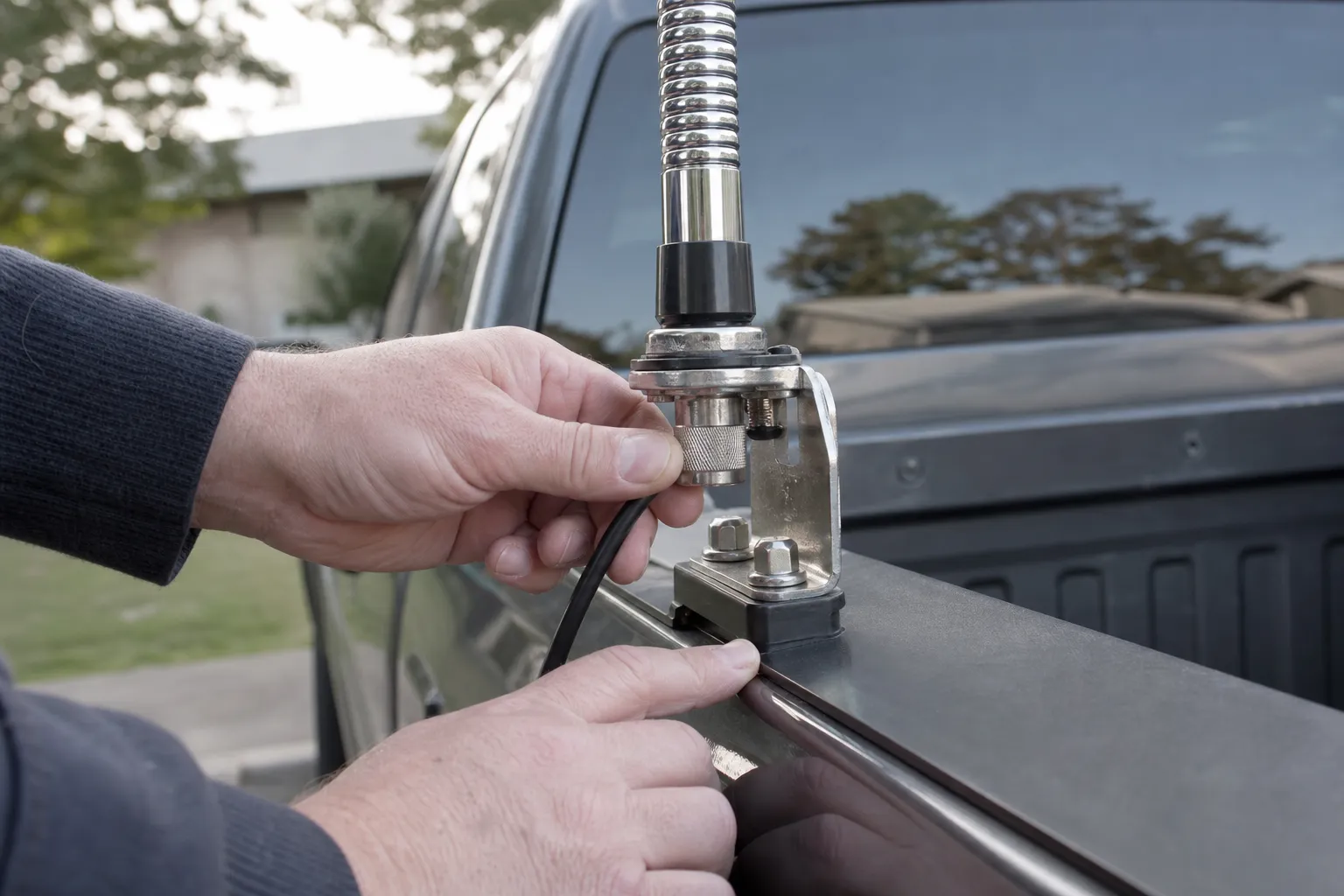
Start at the antenna mount. Look for hardware that can move, corrosion, paint or powder coating beneath a mounting surface, a damaged stud, or a coax connector that is not fully seated. On many mobile systems, the mount and vehicle body are part of the electrical path. A bracket that feels tight but is electrically isolated can produce a problem that looks like an antenna-length issue.
Follow the coax from the mount to the radio. Check for sharp kinks, a crushed section near a door or trim panel, worn insulation, moisture, loose PL-259 connectors and a center pin that has been pushed back. Do not route a cable where vibration or a sharp edge will keep working against it. The site’s CB antenna coax guide gives a deeper look at routing and connector symptoms.
If the setup used to work and then changed suddenly, this visual inspection is especially important. A real tuning shift can happen after a mount change, but an abrupt failure is often more likely to involve a connection, cable or ground-path issue than a whip that somehow changed length on its own.
Take three readings, channels 1, 20 and 40
Channel 20 gives a useful center reference, while channels 1 and 40 show the direction of the mismatch. Write every reading down. The notes matter because they show whether a later adjustment actually improved the system or only changed one number by accident.
- Check channel 1. Calibrate the meter if its instructions call for it, key the microphone only as long as needed, and record the SWR result.
- Check channel 20. Repeat the same procedure without moving the vehicle, antenna, meter or cables. This gives you a middle-of-band reference.
- Check channel 40. Record the high-end result using the same settings and the same brief transmission.
- Repeat an odd result once. If a reading jumps or pegs, release the mic, verify the connections and repeat the measurement. Do not make an antenna adjustment from one unreliable reading.
The FCC permits short test signals for CB station checks, but brief and purposeful is the right habit. A test does not need a long transmission. If the meter is clearly high or unstable, stop rather than trying to talk through it. The problem will not improve by holding the push-to-talk button longer.
Read the channel pattern before changing anything
When SWR is lower on channel 1 and higher on channel 40, the antenna is usually electrically long for the tested setup. When SWR is higher on channel 1 and lower on channel 40, it is usually electrically short. Those patterns guide the direction of an adjustment only after the mount, coax and connectors have checked out.
When the readings are similar but high across the band, slow down. That pattern can point to a mount, connector, coax or installation issue rather than simple antenna length. The same goes for a meter that moves dramatically when you touch a cable or mount. Our guides for higher SWR on channel 40 and higher SWR on channel 1 explain the two common direction patterns in more detail.
An SWR meter does not diagnose the failed part for you. It reports how the system behaves at that point in the line. That is why the sequence matters: inspect first, measure consistently, interpret the pattern, then change only the one part that the pattern actually supports.
Use a multimeter as a supporting check, not a tuning tool
If the SWR result is erratic or a cable looks suspect, disconnect power and follow your equipment instructions before doing a continuity test. A multimeter can help check whether the center conductor reaches the other end of a detached coax run, whether the shield is continuous, and whether there is an unintended short between the center and shield. What counts as normal can depend on the antenna design, so do not condemn a system solely because one probe test surprises you.
Keep the scope modest. A continuity result does not prove that the cable will behave correctly at CB frequencies under transmit power, and it does not test the installed antenna’s SWR. If continuity looks normal but SWR remains high, return to the mount, connector condition and antenna instructions. If either test points to a physical cable problem, correct that before making any length adjustment.
Avoid the shortcuts that hide the real problem
The most common mistake is testing an antenna in a temporary position and expecting the result to apply after it is installed. A magnetic mount on the roof, a mirror mount on a bracket and a whip clamped to a rack can all react differently because the nearby metal and electrical path are different. Test only after the antenna, mount and cable route are in their intended positions.
Another mistake is treating a low center-channel number as the whole story. Channel 20 can look acceptable while one end of the band is noticeably worse. That is why channel 1 and 40 are part of every useful test. The pair shows whether the antenna system has a directional pattern or whether it is simply unhappy across the band. A middle reading adds context, but it does not replace the end checks.
Do not add random adapters, cable extensions or a different meter jumper just to make a stubborn reading move. Each new piece adds another connection to inspect and can blur the original problem. Keep the test setup simple. If a needed jumper or connector looks questionable, replace that one item with a known-good equivalent, then retest the same three channels before changing anything else.
Finally, avoid making permanent changes because a single reading feels alarming. Release the mic, repeat the test and compare the result with your notes. A stable high reading deserves diagnosis. A one-time strange reading deserves a connection check. Both are better reasons to pause than to trim a whip without knowing whether length is the actual issue.
Recheck after any meaningful change to the vehicle, too. A new headache rack, a moved mount, replacement coax, a different antenna or even a repair at the mount can change the way the complete system behaves. Keeping a simple note of the old channel readings makes future troubleshooting much faster, because you can see whether the system changed and where to begin looking.
Make one small change, then test again
Use the antenna maker’s supported adjustment method, such as a set-screw collar or tuning ring. Start with the reversible range. Make a small change, tighten the hardware, then repeat channels 1, 20 and 40. One measured adjustment gives you useful feedback. Several changes at once make it impossible to know what actually helped.
Cutting a whip is a last step, not a default answer. Only consider it when the manufacturer explicitly permits trimming, the readings consistently point in that direction, and the available reversible adjustment has been used. You can always take off more material later. You cannot put it back after the fact.
When a bench check is the smarter next step
Stop and get help when the meter stays high across the band, the readings are unstable, the connector or mount is damaged, or the antenna does not have a documented adjustment method. Bring the radio model, antenna type, mount location and your three written readings. Those details let a technician start with evidence instead of guessing.
Custom CB Radios can help when the test points to more than a minor installation adjustment. A repair request is the right next step for a radio or system that needs a bench diagnosis. For a new build, the antenna selection page and the mobile setup guide can help match the antenna, mount and coax to the vehicle before the first test.
Frequently asked questions
What is the best way to test a CB antenna?+
The most useful first test is an SWR reading with the antenna installed exactly as it will be used. Compare channel 1, channel 20 and channel 40, then inspect the mount, coax and connectors before changing antenna length.
Can I test a CB antenna with a multimeter?+
A multimeter can help find a simple continuity problem in a disconnected cable or mount, but it cannot measure SWR or show whether the antenna is resonant on CB channels. Use an SWR meter or antenna analyzer for the on-air antenna-system test.
What SWR is too high for a CB radio?+
Follow the limits in your radio and antenna instructions. If a reading is clearly high, unstable or pegged, use only the brief test transmission needed to confirm it, then stop and inspect the installation before normal use.
Why does my CB antenna test differently after I move the truck?+
Nearby metal, a trailer, a roof rack, an open door or a changed antenna position can affect a mobile antenna system. Test outdoors with the vehicle in its usual operating condition so the reading represents real use.
Keep Reading
Related Posts

Guide
How to Install a CB Radio: A Practical Vehicle Guide
Plan a safe, dependable CB radio installation by choosing the radio location, power route, antenna mount, coax path and final SWR check in the right order.Read the guide →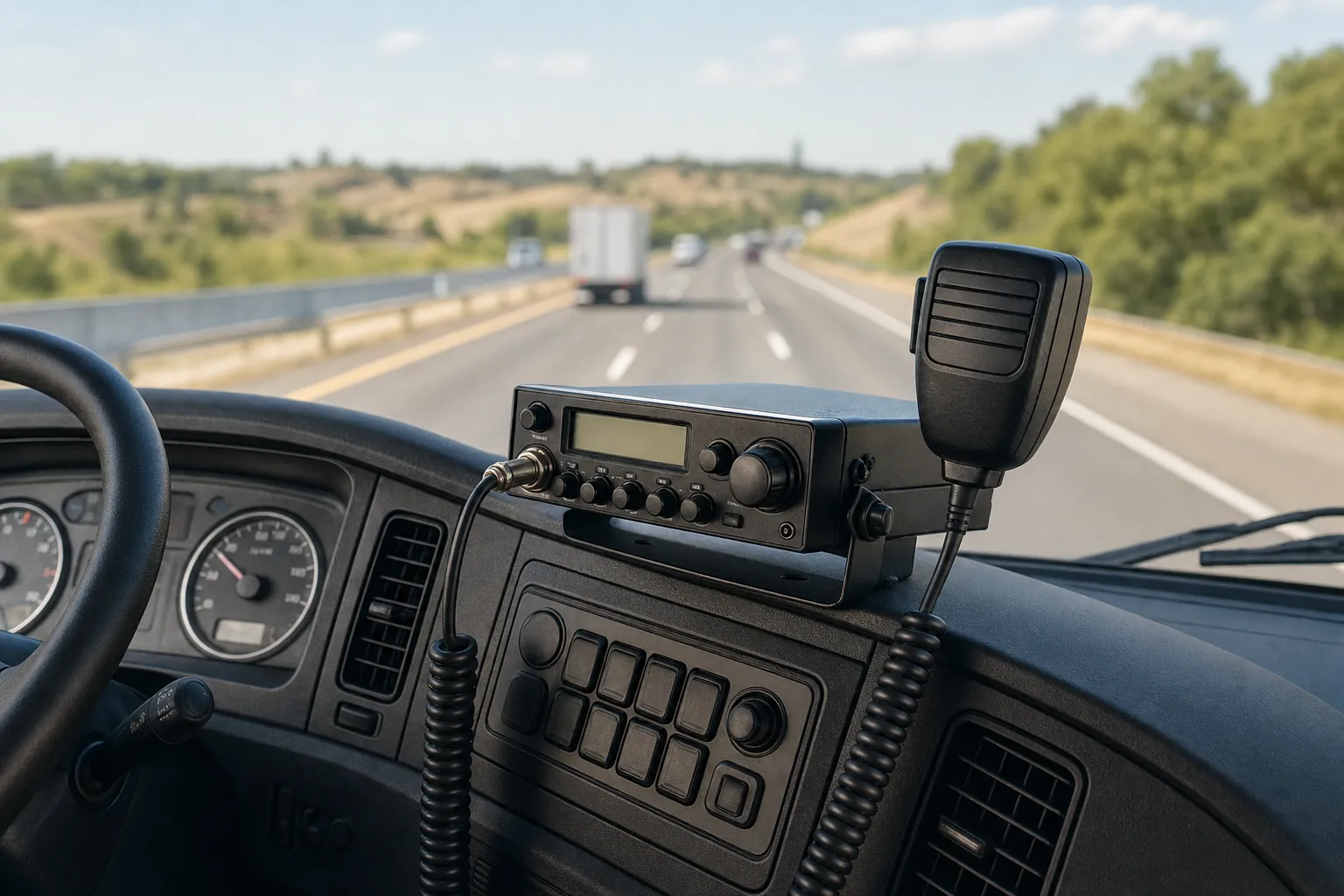
Guide
Do Truckers Still Use CB Radios? What They’re Good For
CB radios are still useful for nearby, real-time road communication. Learn where they fit alongside a phone, what to expect and how to build a dependable truck setup.Read the guide →
Guide
CB Radio Turns On but Has No Sound? 7 Checks Before Repair
CB radio turns on but no sound? Check the volume, squelch, external speaker, microphone and audio modes before booking a repair.Read the guide →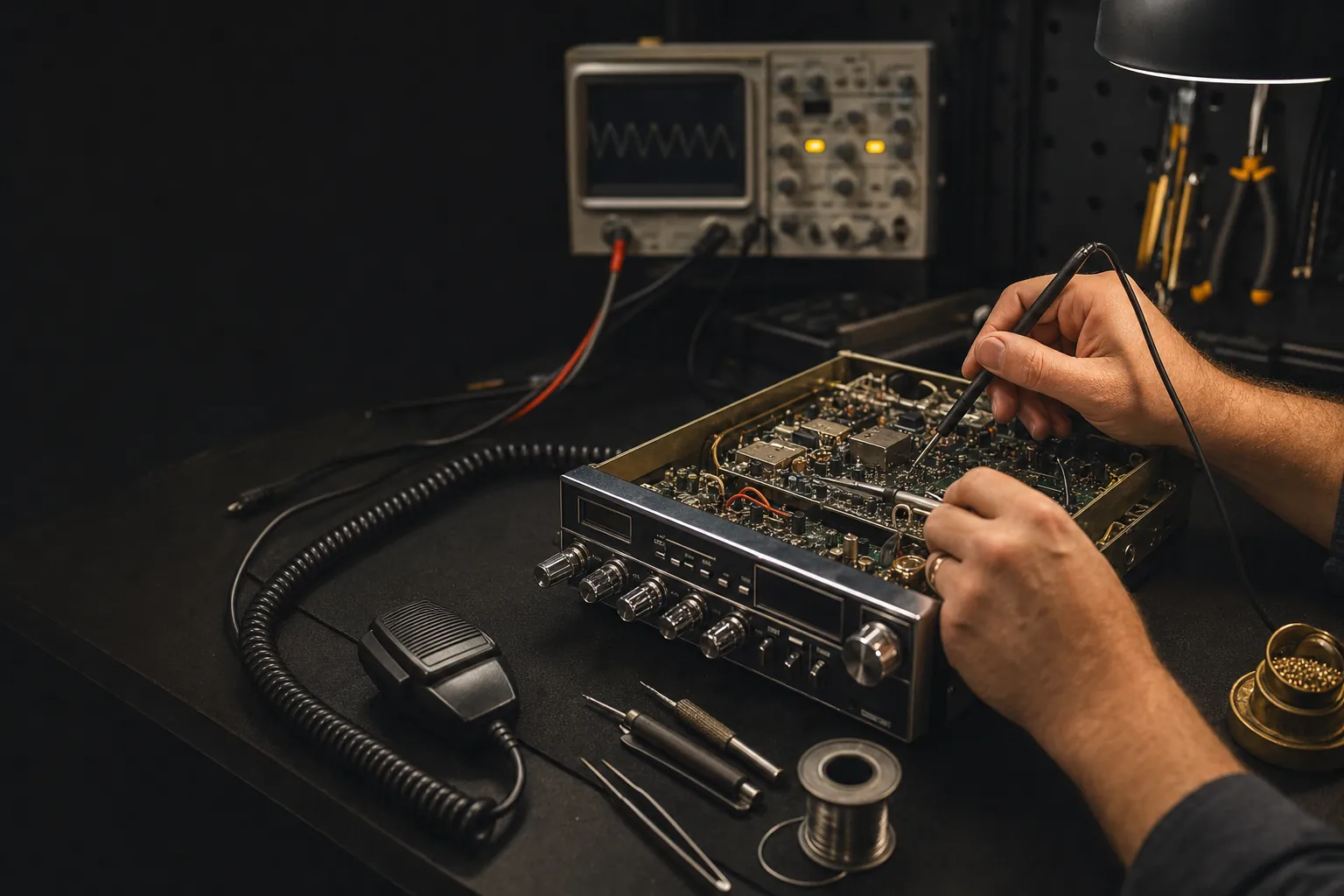
Guide