
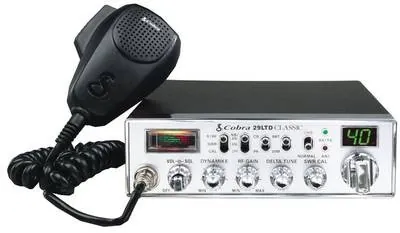
Static is not always a problem to erase. With the squelch open, a little background hiss tells you the receiver and speaker are alive. The useful question is whether the noise is normal radio background, a weak signal being uncovered, or interference that changes with the vehicle. Treating every sound as the same problem leads to turned-up controls, random filters and replacement parts that never touch the source.
Start with a parked vehicle and make one change at a time. You do not need to open the radio or make long transmissions. A steady process can tell you whether the noise follows a control setting, an electrical accessory, the engine, the antenna connection or the radio itself. That is a far better starting point for a repair shop than saying the radio has “a lot of static.”
1. Set the volume and squelch correctly
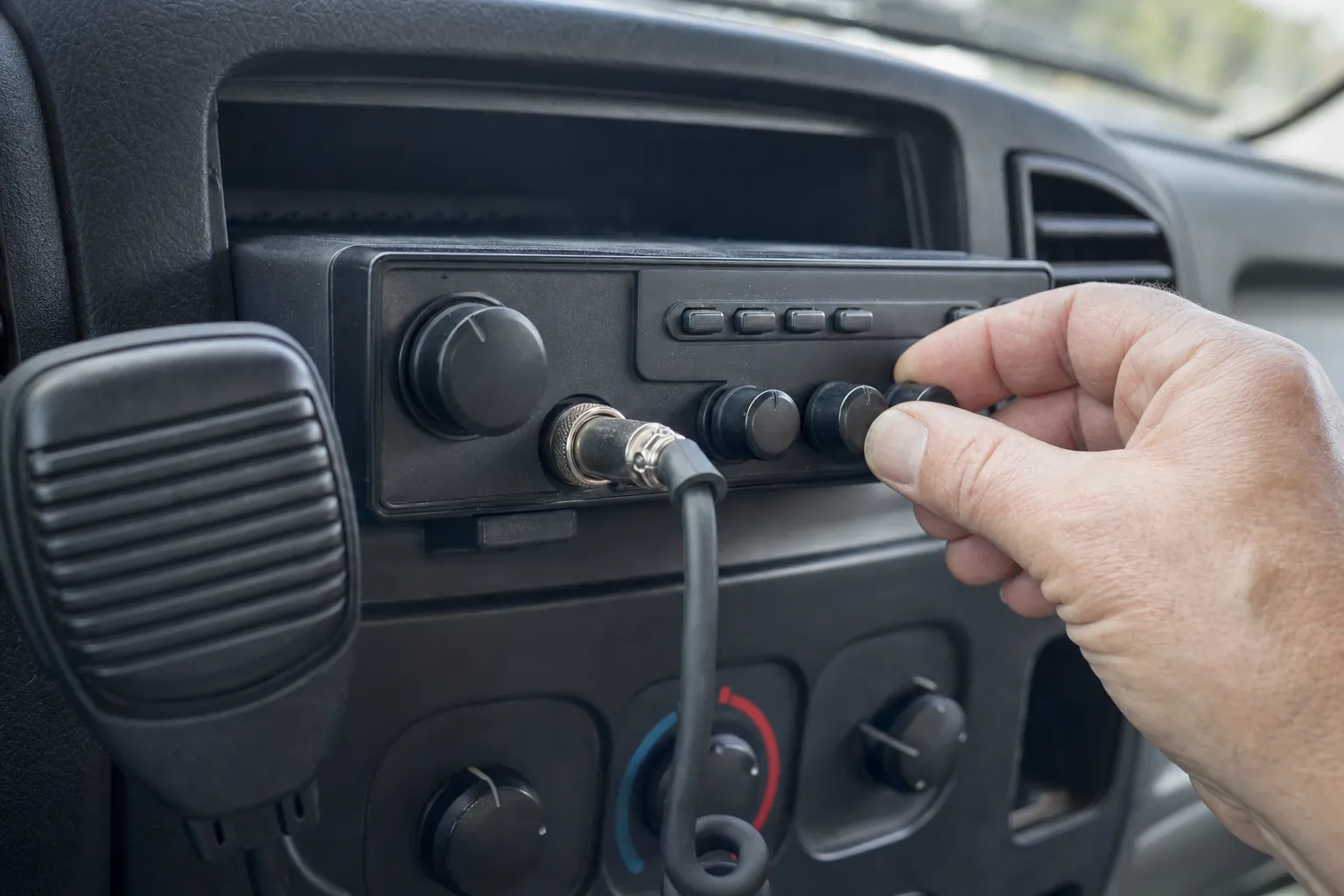
Put the volume at a comfortable listening level. Then turn the squelch down until you hear the normal receive hiss. This gives you a baseline. On a typical CB, squelch mutes the speaker until a signal rises above the level you set. It does not repair a noisy signal, and it does not improve the antenna. It simply decides how much low-level sound reaches the speaker.
Now raise the squelch slowly until the background noise just disappears. Stop there. A setting far beyond that point may hide a weak but useful station, especially on a quiet route. Cobra’s CB support guidance likewise treats the radio controls and antenna check as separate jobs, not one cure-all adjustment.
If opening squelch produces no hiss at all, work through the no-sound checks first. A radio that is truly silent needs a speaker-path or control check before you can judge background noise.
2. Describe the noise before trying to cure it
Listen for what changes. A soft, steady hiss on an empty channel is ordinary receive background. A whine that rises and falls with engine speed points in a different direction. Clicking that matches a turn signal, fan, charger, fuel pump or other accessory gives you a useful suspect. A burst that appears only in one location may be a nearby source outside the vehicle.
Write down the conditions: engine off or running, vehicle moving or parked, accessory on or off, channel, mode and squelch setting. That is not overkill. It keeps you from changing the power wire, antenna, mount and radio settings all at once, then having no idea which change mattered.
Also separate static from weak receive. A weak distant station can fade under normal background noise without meaning the radio has failed. Use a nearby known radio for a short comparison when possible. If the nearby radio comes through clearly but ordinary traffic remains weak, the antenna system and installation deserve a closer look.
3. Check the easy noise sources in the cab
With the vehicle safely parked, switch likely accessories one at a time. Phone chargers, inverters, LED light bars, dash cameras, cooling fans and aftermarket electronics can create noise that reaches a radio. Turn one item off, listen, then turn it back on before moving to the next one. A real change that repeats is more valuable than a one-time impression.
Do not assume the newest accessory is guilty, but give it attention if the noise began after it was installed. Look for loose plugs, damaged insulation, a cable wrapped tightly around the radio power lead or an accessory grounded through an improvised connection. Correcting a poor installation is usually better than masking its noise with a filter.
If the noise happens only when an accessory runs, note that exact condition. Custom CB Radios can use that detail to help distinguish a radio issue from vehicle electrical interference when you request a repair.
4. Compare engine off and engine running
Start with the engine off, squelch open and the same volume setting. Then start the engine and listen again while parked. If a whine appears or changes with RPM, the noise is more likely tied to the vehicle electrical system than to a quiet radio channel. Do not rev the engine hard for this test. A small, safe change in idle speed is enough to tell whether the sound tracks the engine.
This is a clue, not a license to start moving ground wires at random. Check the radio’s power and ground connections for tight, clean contact and an intact fuse holder. Follow the radio maker’s instructions for the correct fuse and power connection. If the installation is uncertain, have it corrected before adding a noise filter, because a filter cannot make a loose or unsafe connection dependable.

5. Inspect the antenna, coax and mount
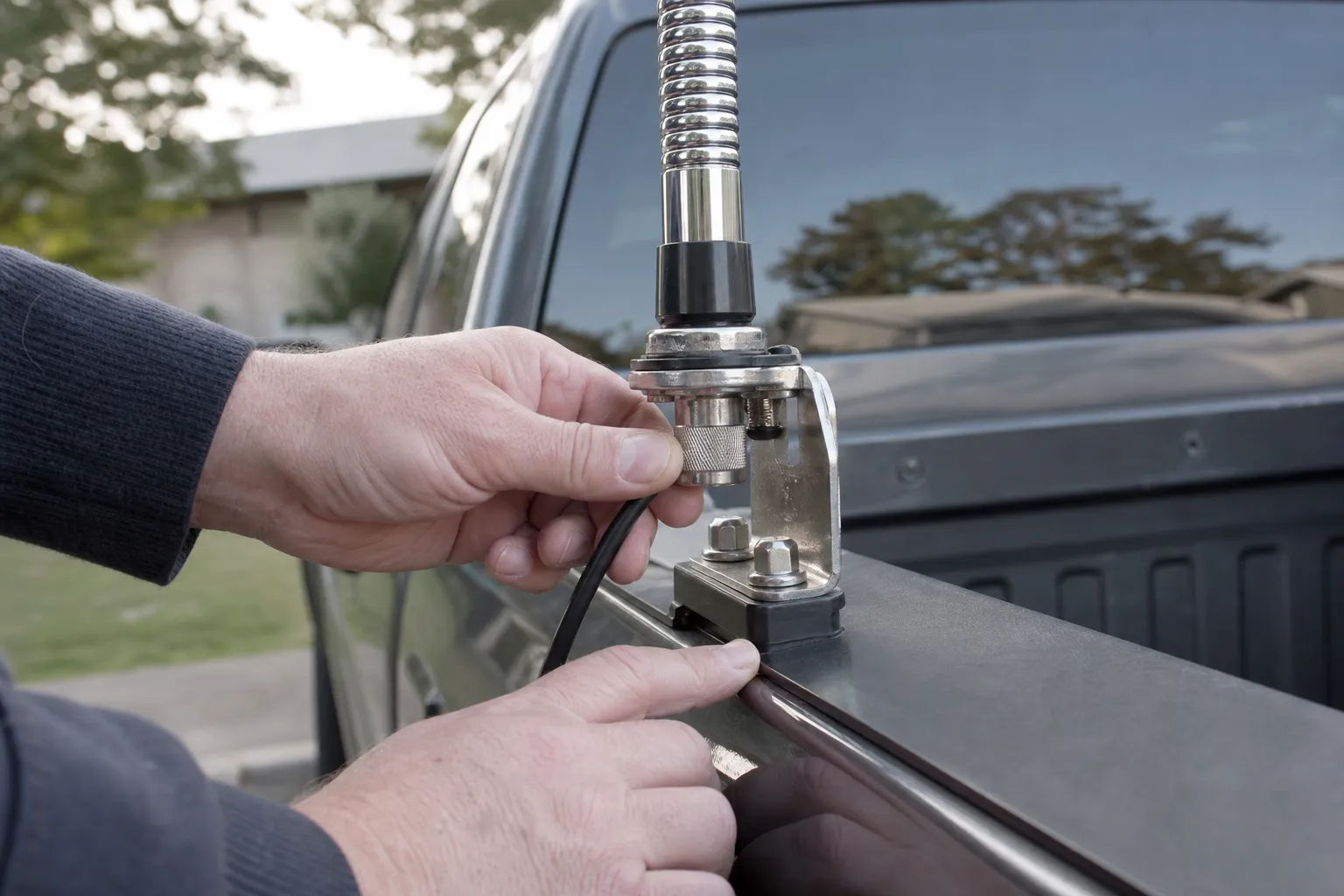
Noise can also arrive through the antenna system. Start at the radio and follow the coax to the mount. Look for a connector that has worked loose, a crushed section near trim, moisture, a bent center pin or a mount that can move. A cable can look fine from a distance while a connector or shield has become unreliable.
Do not adjust antenna length just because you hear static. First make sure the hardware and connections are sound. The CB antenna coax guide covers cable and connector checks, while the antenna test guide explains how to take controlled SWR readings after the installation looks right.
An SWR meter is for checking the installed system, not for chasing noise with long key-ups. The ARRL explanation of standing waves shows why reflected power is a system clue. The FCC’s current CB Radio Service rules are also worth keeping in view when you are testing or changing a CB installation.
If touching or moving the coax changes the noise, stop treating the problem as a front-panel setting. That is a useful sign to inspect the connection carefully or have the system checked. Keep test transmissions brief and do not continue transmitting into a suspicious or unstable antenna system.
6. Use filters only after the source is clear
A power-line noise filter can be useful when your testing points clearly to the power feed. It is not a universal static button. If the sound changes with an accessory or engine speed but remains when the antenna is disconnected, the power path is a reasonable place for a qualified installer to investigate. If the noise changes with the antenna, mount or coax, solve that system first.
Be cautious with any fix that hides a clue. A filter that quiets the speaker but leaves a loose connection or an electrical issue untouched can make later diagnosis harder. The cleanest fix is the one that removes the source, secures the connection or corrects the installation that introduced the noise.
Different radios also have different built-in noise controls, RF gain behavior and power requirements. Use the manual for your exact model before changing a menu setting or adding an accessory. Generic advice is useful for narrowing the source, but it should not override the manufacturer’s instructions for the radio in front of you.
Keep the test short and repeatable
A good static check does not require a long drive with the radio turned up or a series of long transmissions. Park safely, choose one channel and keep the volume in the same place. Listen with the engine off, then running. Turn one suspected accessory on and off. Check one visible connection. Write down what changed. If nothing changed, put the radio back to the same condition before moving to the next check.
This order protects the result. If you adjust RF gain, squelch, antenna position, power routing and a noise filter in one afternoon, the radio may sound different, but you will not know why. A repeatable check gives you a result you can trust. It can also tell you when the source is external and the radio should be left alone.
Keep any test transmission brief and only make one when the antenna system is known to be safe. A radio that receives static is not automatically ready for extended transmit testing. If you have a high, unstable or unknown SWR reading, return to the antenna and coax checks before using the microphone for a radio check.
Do not confuse quiet with better receive
The goal is not a perfectly silent speaker. A squelch setting that is too high can make a radio seem clean while it quietly blocks weaker traffic. That is especially easy to miss when you are testing alone. Once you have found the point where the background noise disappears, use a nearby known radio or a genuinely active local channel to make sure the receiver still opens for a usable signal.
RF gain deserves the same care. Turning it down can make a noisy channel seem calmer by reducing receive sensitivity, but it can also make a distant station harder to hear. Return it to its normal position before you decide that an antenna, cable or radio is defective. Controls are useful tools when you know what they change. They are poor substitutes for isolating the source.
When you make a comparison, hold the variables still. Use the same channel and mode, keep the two radios a reasonable distance apart and repeat the same brief call. A test that changes location, antenna position and control settings at the same time cannot tell you whether the radio improved or the test simply became easier. Clear comparisons keep a simple static problem from turning into a long chain of guesswork.
That small discipline saves time, money and unnecessary parts.
7. Know when static points to a bench check
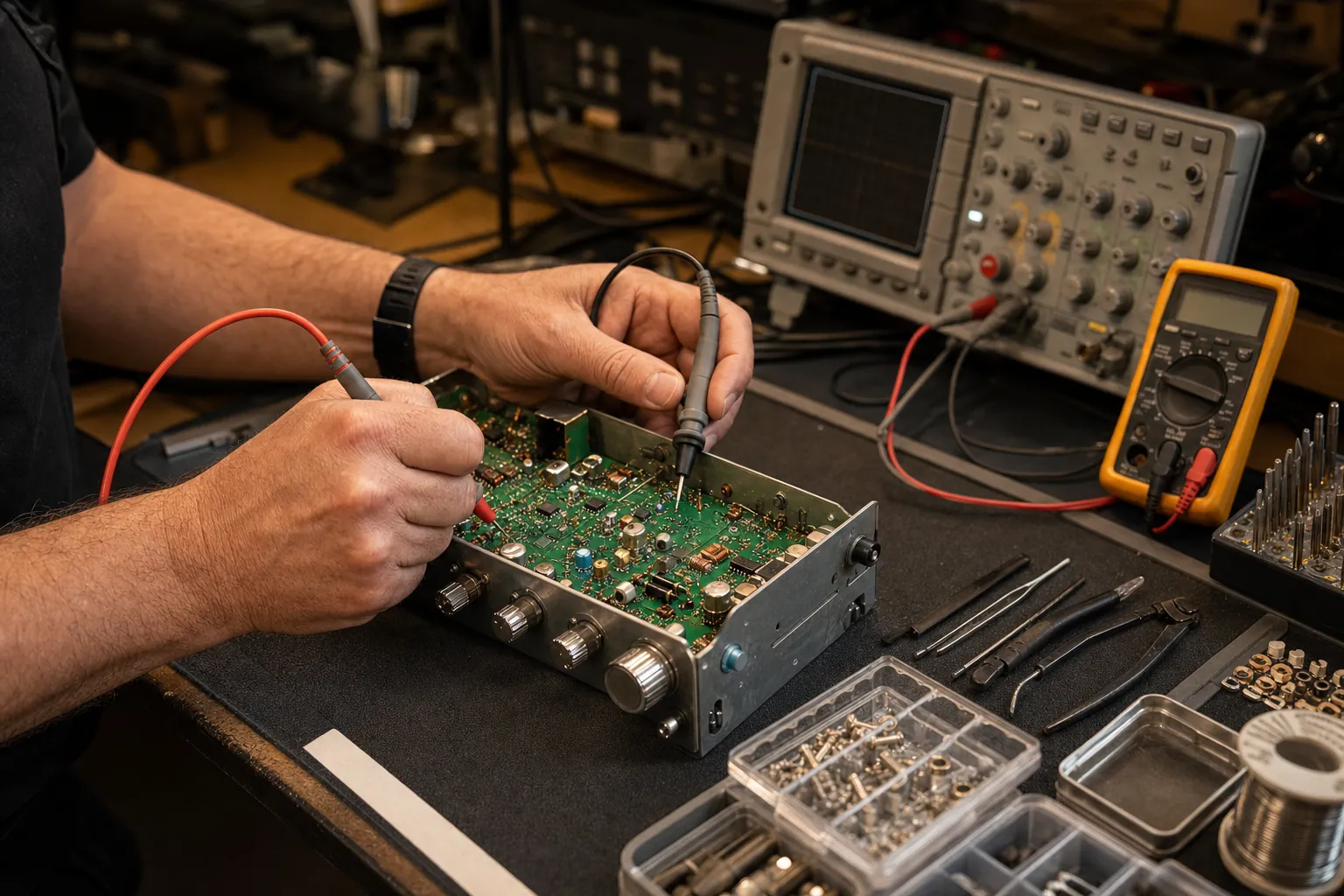
A bench check is the right next step when the radio has strong noise with the engine off, no nearby accessory explains it, the power and antenna connections look sound, and the symptom follows the radio into a different known-good setup. That pattern makes an internal receiver or noise-control fault more plausible than a vehicle installation issue.
Bring the radio model, the vehicle or base-station details, whether the noise changes with RPM, which accessories affect it, and what happened with squelch open. Include any antenna or SWR observations. Custom CB Radios can use those details to start with a focused CB radio repair request instead of guessing at parts.
Need a Clear Answer?
Bring the noise pattern, not a guess.
Knowing when the noise starts and what changes it helps separate a radio fault from a power, accessory or antenna issue.
Request a Repair →Frequently asked questions
Why does my CB radio have so much static?+
Some background noise is normal when the squelch is open. A sudden, repeating or engine-speed-related noise is more useful as a clue: it may enter through the power feed, the antenna system or another nearby electrical device.
Can the squelch control reduce CB static?+
Yes. Start with squelch open, then raise it only until the background noise just disappears. Setting it much higher can mute weaker stations along with the noise.
How do I know whether static comes through the antenna or power wire?+
Change one condition at a time. Notice whether the noise changes with engine speed, an accessory, the antenna connection or a nearby test radio. The pattern is more useful than adding a filter before you know the source.
Will a noise filter fix every CB radio static problem?+
No. A filter can help when noise is proven to be entering through the power path, but it cannot repair a damaged coax connection, loose mount, poor antenna installation or an internal radio fault.
Keep Reading
Related Posts

Guide
CB Radio Not Receiving? Start With These 7 Checks
CB radio not receiving? Check the squelch, RF gain, speaker path, mode, antenna connection and a known local signal before assuming the radio has failed.Read the guide →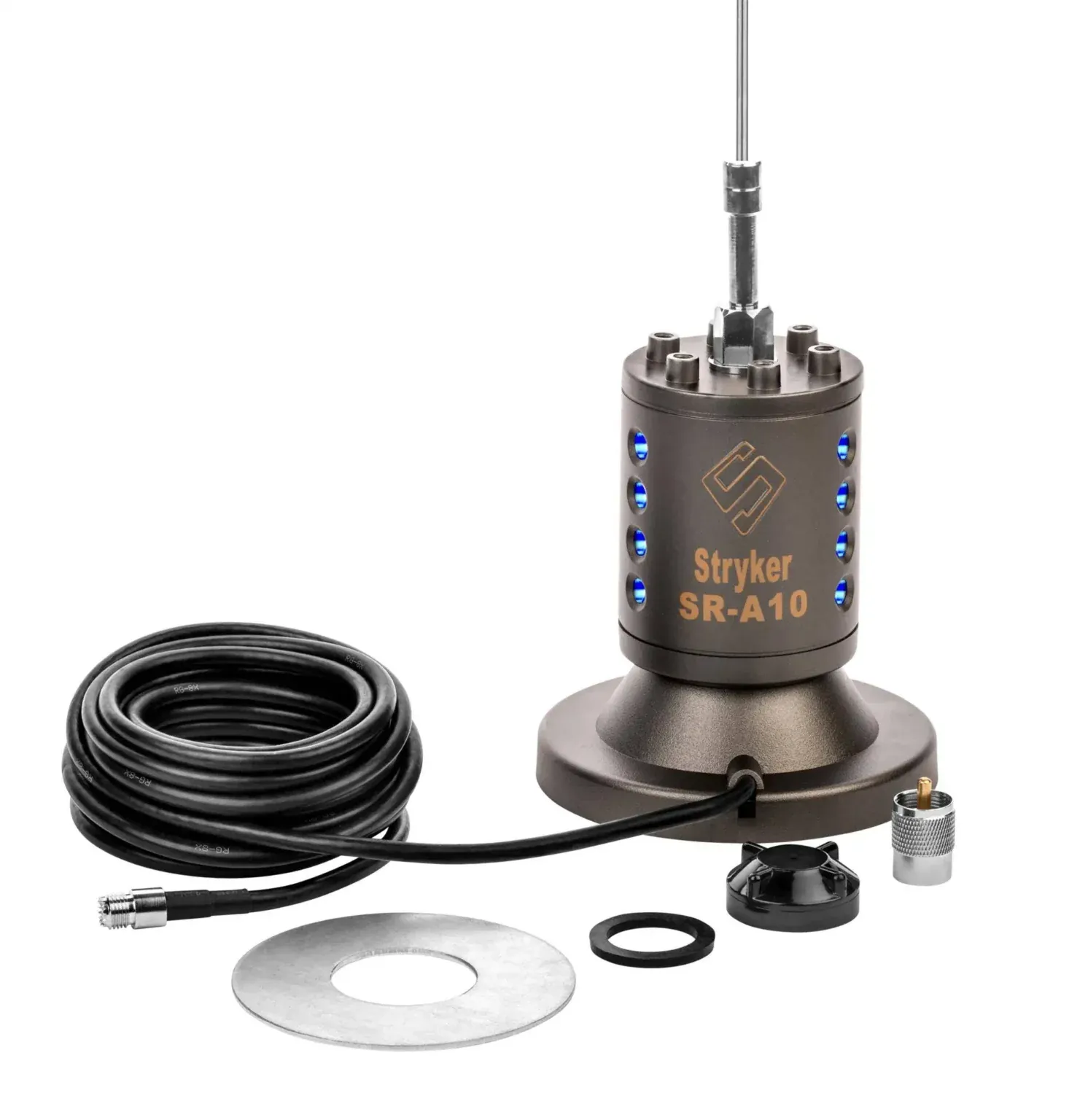
Guide
How to Test a CB Antenna Before You Transmit
Test a CB antenna with an SWR meter, inspect the mount and coax, read channel 1 and 40 results, and know when to stop and diagnose the installation.Read the guide →
Guide
How to Install a CB Radio: A Practical Vehicle Guide
Plan a safe, dependable CB radio installation by choosing the radio location, power route, antenna mount, coax path and final SWR check in the right order.Read the guide →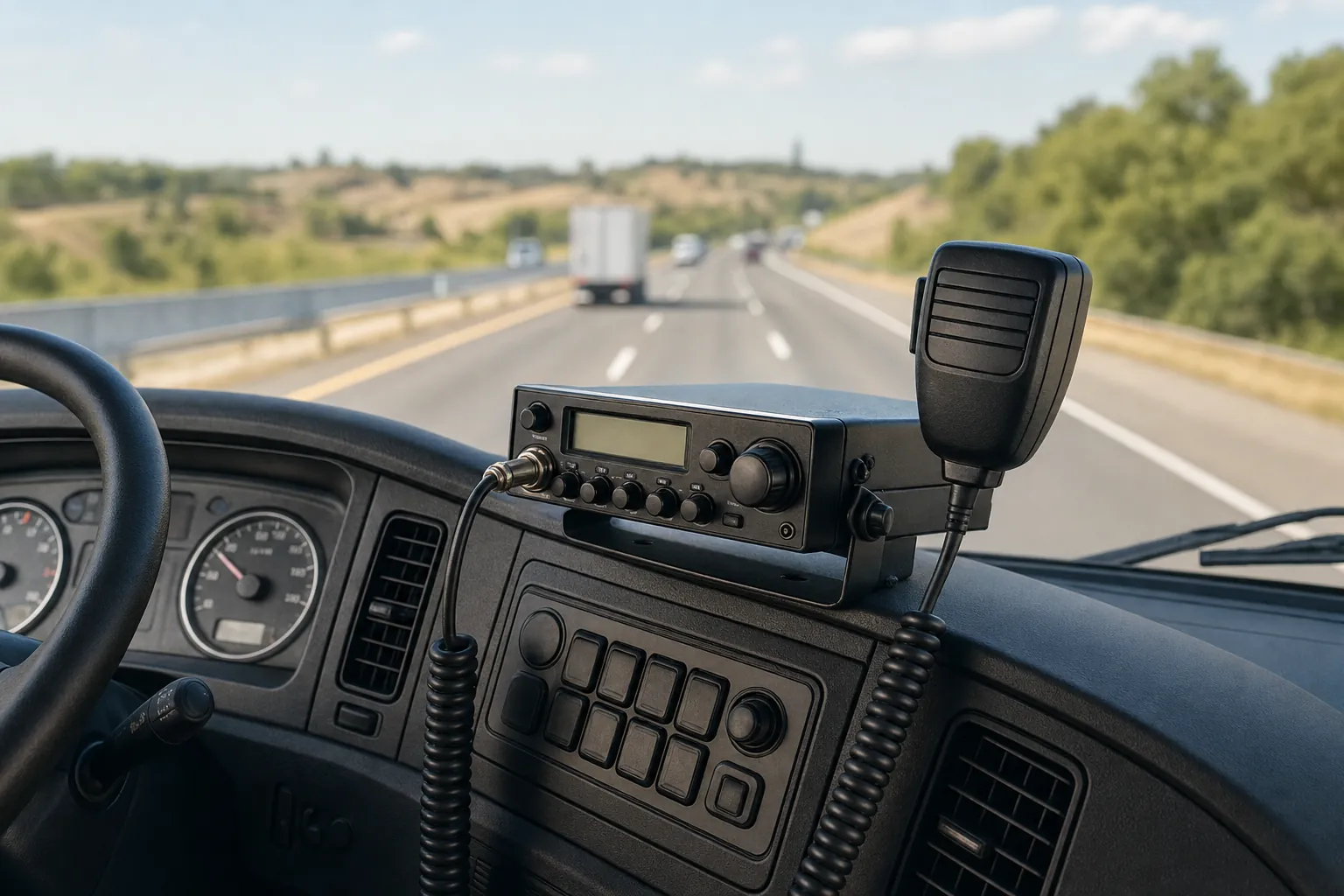
Guide