
When SWR is higher on channel 40 than channel 1, the pattern is giving you a useful direction. In most mobile CB installations, it means the antenna is electrically long for the higher end of the band. That does not mean you should immediately cut the whip. It means you should confirm the pattern, inspect the parts that can imitate it, then make the smallest supported adjustment and measure again.
This guide is for a normal mobile CB setup with an adjustable antenna and an SWR meter. It helps you move from the two channel readings to a sensible next step. Your radio and antenna instructions still control the acceptable limits and the exact adjustment method for your equipment.
What the channel 1 and 40 pattern means
Channel 1 sits at the low end of the CB band, while channel 40 sits at the high end. An SWR meter measures how closely the antenna system is matched to the radio at each channel. The ARRL’s standing-wave explanation describes why a mismatch sends some energy back down the feed line instead of moving it toward the antenna.
If the SWR is lower on channel 1 and higher on channel 40, the antenna is generally electrically long. The best match is sitting too low in frequency, so the high end of the band looks worse. If channel 1 is higher and channel 40 is lower, the antenna is generally electrically short. That opposite pattern usually calls for a careful lengthening adjustment when the antenna design allows it.
These are useful patterns, not permission to skip inspection. An antenna adjustment only changes electrical length. It does not repair a bad connector, a pinched coax line, a loose mount or a poor electrical path at the mounting point.
Confirm the reading before you touch the antenna
Take a short reading on channel 1, channel 20 and channel 40. Use the same radio mode, power setting and meter procedure every time. If you use a manual meter, calibrate it whenever the meter instructions require it. The CB SWR meter guide shows how to connect, calibrate and record those readings without turning the test into a guessing game.
Write the three numbers down. A middle-channel reading helps show where the best match is landing, while the end channels show the direction the antenna needs to move. Repeat the measurements once before you change anything. If the second reading is much different, check the meter connections and test setup instead of treating the first number as a fact.
Park outside when you can, with the antenna upright and the vehicle in the condition you normally use. Keep it away from buildings, trailers and nearby vehicles. Do not test with the antenna folded down or pressed against a rack. Nearby metal and changes around the antenna can shift the reading, which is exactly why the conditions need to stay consistent.

Inspect the mount and coax before adjusting length
A broad or inconsistent reading can look like an antenna-length problem even when it is not. Start at the radio end of the system and follow the signal path out. Check the short jumper coax to the meter, the antenna-side coax, the center pins, the connector threads and the antenna stud. Look for a loose connection, a crushed section of cable, moisture, corrosion or a center pin that has been pushed back inside the connector.
Then inspect the mount. On many mobile CB installs, the mount and the metal around it are part of the antenna system. Paint, powder coat, plastic washers, corrosion or loose hardware can prevent the mount from making the electrical connection the antenna expects. A bracket can feel tight and still be the reason the system reads poorly.
If the system used to work well and the reading changed suddenly, pause here. A sudden change after a wash, a rough road, a new rack, a different vehicle or a coax reroute is more likely to point toward an installation detail than an antenna that somehow changed length on its own. The mobile CB antenna setup guide covers the larger placement and cable-run checks worth reviewing before you adjust the whip.
Make the smallest supported shortening adjustment
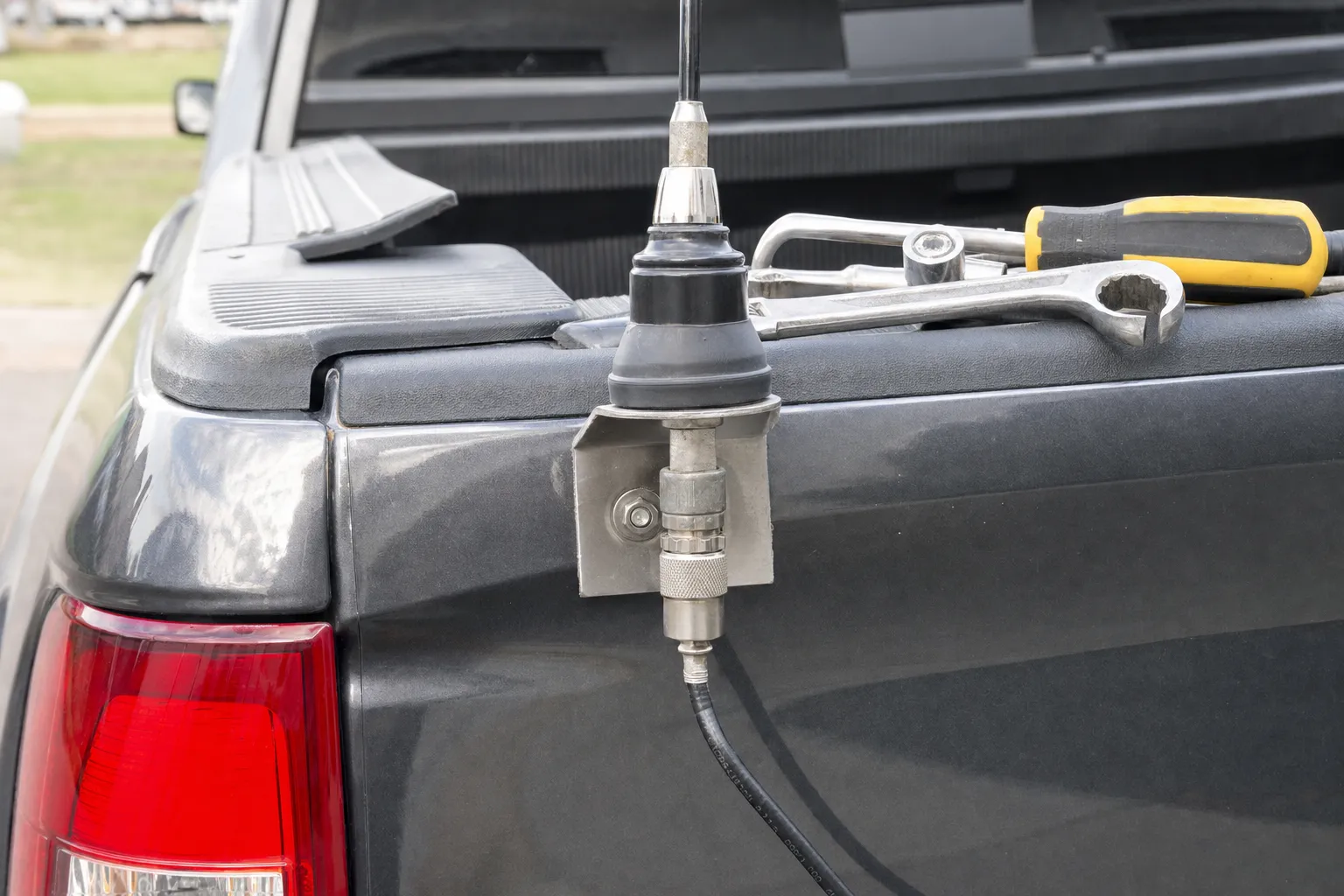
Once the channel pattern is stable and the mount and coax check out, use the adjustment method built into the antenna. Many antennas use a set-screw collar that lets you lower the whip in very small increments. Others use tuning rings or a manufacturer-specific adjustment system. Cobra’s SWR adjustment instructions make the same core point: make a small change, then check the meter again.
For a reading that is higher on channel 40 than channel 1, test a small shortening adjustment. Loosen the hardware, lower the whip by the smallest practical amount, tighten it securely and repeat the channel 1, 20 and 40 readings. One small move is easier to understand. Several moves at once make it impossible to tell which change helped or hurt.
Do not begin by cutting the whip. Cutting is permanent. Use the reversible adjustment range first, and only consider trimming when the antenna manufacturer specifically allows it, the collar or tuning system is already at its limit and the readings consistently point in the same direction. Remove only the smallest amount the instructions permit, then measure again.

How to tell whether the adjustment helped
The useful result is not simply a lower number on one channel. You want the pattern across the band to make more sense. After a small shortening adjustment, channel 40 should improve if the antenna was electrically long. Channel 1 may change too, but the important part is that the gap between the two ends starts to narrow without creating a much worse reading somewhere else.
- Channel 40 improves and the readings move closer together. The adjustment is heading in the right direction. Keep changes small and retest after each one.
- Channel 40 gets worse or channel 1 suddenly becomes much higher. Return to the previous setting. You may have moved too far, used the wrong direction or changed the test conditions.
- Both readings stay high or move unpredictably. Stop changing length and inspect the meter jumper, coax, connectors and mount again. An antenna should respond consistently when the installation is sound.
There is no benefit in forcing a perfect meter reading at a channel you never use. A mobile antenna is a compromise across the CB band. Once the pattern is stable and the readings stay inside the limits for your equipment, check the channels you actually use and leave the hardware secured in that position.
Retest the full pattern after every move
Go back to channels 1 and 40 after each adjustment. If the readings move closer together and channel 40 improves, you are moving in the right direction. Check channel 20 too, especially when you use the middle of the band most often. The goal is a stable, sensible match across the channels you use, not a perfect number on one channel while the rest of the band gets worse.
If the readings move the wrong way, return to the previous position and review the setup. If they stay high on both ends of the band, touch the coax or mount and jump around, or refuse to respond logically to an adjustment, stop adjusting length. Those signs point back toward the mount, coax, connector or antenna surroundings.
Once the readings are stable, tighten the hardware again and recheck after a short drive. Vibration can expose a loose stud, connector or set screw that looked fine in the driveway. Keeping a note of the final channel 1, 20 and 40 readings gives you a useful baseline if the setup changes later.
When to stop and ask for help
Stop the process when the meter is clearly high or unstable, the antenna has no approved adjustment method, the mount’s electrical path is uncertain or the radio shows a protection warning. A prolonged key-up will not make a bad reading better. Use only the brief transmissions needed for the test, then inspect the system or get help with the next diagnostic step.
If you are sending the radio or antenna system in for help, bring the useful details: radio model, antenna type, mounting location, channel 1 and channel 40 readings, and any change that happened before the problem started. That information gives the shop a clearer place to begin than a general report of weak range or poor transmit.
The process can also save an unnecessary replacement decision. A radio that seems weak may be reacting to the antenna system around it. If the readings suggest a deeper issue, the shop’s CB radio repair service is the right place to start a focused conversation about the radio, coax, mount and antenna together.
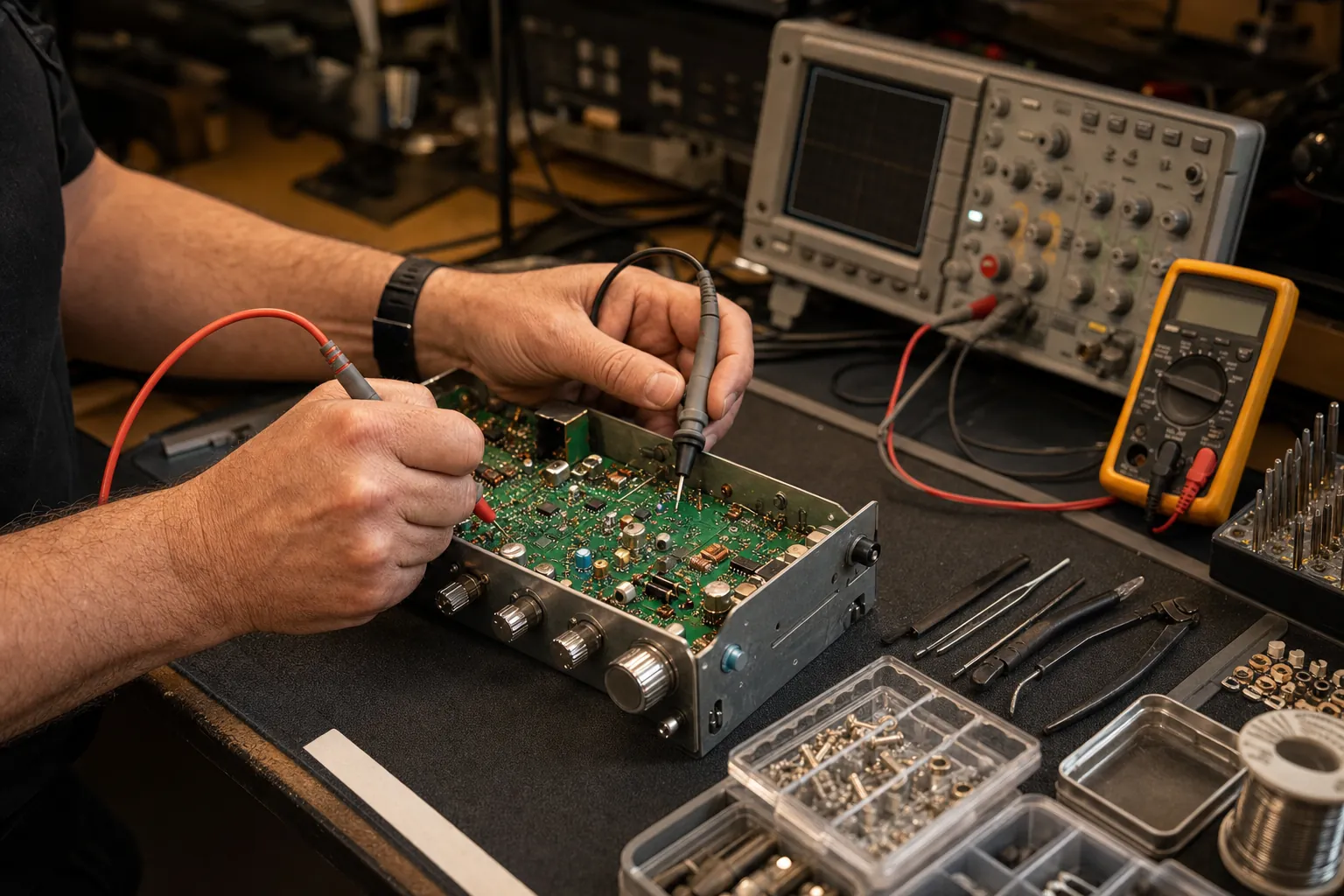
Need a Bench Check?
Bring the readings, not the guesswork.
Share the radio model, antenna type, mount location and channel 1 and 40 readings. That gives the shop a practical starting point.
Request a Repair →Frequently asked questions
Why is my SWR higher on channel 40 than channel 1?+
A higher reading on channel 40 usually means the antenna is electrically long for the part of the CB band you are testing. If the antenna has an approved adjustment collar or tuning method, a very small shortening adjustment is commonly the direction to test after the mount, coax and connectors have been checked.
How much should I shorten a CB antenna?+
Use the smallest adjustment your antenna manufacturer allows, then recheck channels 1 and 40. A small change can move the reading noticeably. Do not make several adjustments at once, and do not cut a whip until you have used the antenna’s reversible adjustment range and confirmed that trimming is supported.
What if SWR is high on channels 1 and 40?+
When both ends of the band stay high, the issue may not be antenna length. Inspect the mount, coax, connector, antenna stud and the antenna’s surroundings before moving the whip. A stable but broad high reading is a reason to diagnose the installation, not a reason to keep cutting.
Can a bad coax cable cause high SWR on channel 40?+
Yes. A loose, damaged, wet, pinched or poorly connected coax cable can create a high or inconsistent reading. Check the meter jumper, the antenna-side coax and both connectors before you adjust the antenna length.
Should I keep using my CB radio when SWR is high?+
Use only the brief transmissions needed to take a reading, then stop if the SWR is clearly high, unstable or outside the limits in your radio and antenna instructions. Continuing to transmit does not correct the mismatch and can put unnecessary stress on the equipment.
Keep Reading
Related Posts

Guide
CB Radio Not Receiving? Start With These 7 Checks
CB radio not receiving? Check the squelch, RF gain, speaker path, mode, antenna connection and a known local signal before assuming the radio has failed.Read the guide →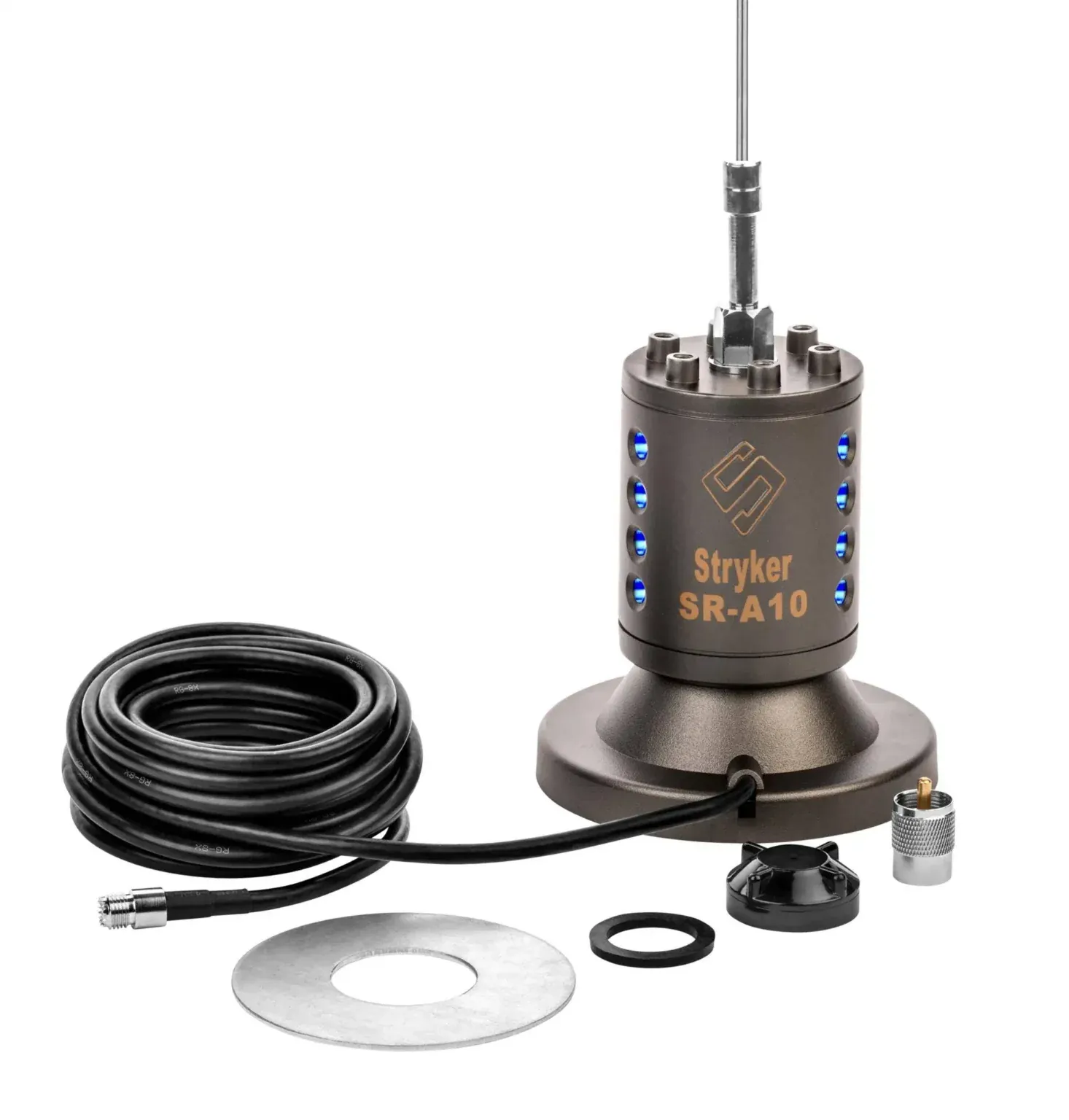
Guide
How to Test a CB Antenna Before You Transmit
Test a CB antenna with an SWR meter, inspect the mount and coax, read channel 1 and 40 results, and know when to stop and diagnose the installation.Read the guide →
Guide
How to Install a CB Radio: A Practical Vehicle Guide
Plan a safe, dependable CB radio installation by choosing the radio location, power route, antenna mount, coax path and final SWR check in the right order.Read the guide →
Guide