
A CB radio that lights up but stays quiet feels like a major failure, but the symptom often starts with something simpler than the radio itself. The power light only confirms that the radio is receiving power. It does not confirm that the volume is set correctly, the squelch is open, the internal speaker is still connected, or that the radio is listening to an active channel.
Start with the checks that do not require taking anything apart. Work one change at a time, with the vehicle parked safely, so you know what changed the result. That protects you from replacing a working radio because of a control setting, a speaker plug or an accessory mode.
1. Confirm what “no sound” actually means
Before changing controls, notice what the radio does and does not do. Does the display light normally? Does the channel number change? Can you hear a faint hiss with the volume turned up? Does the radio make a click when you turn it on or off? Does an external speaker work while the radio’s own speaker stays quiet? Those details separate a silent receiver from a speaker-routing issue.
CB traffic is not constant on every channel. A radio can be working normally and still sound quiet when nobody is talking. If you have access to another nearby CB, use it as a simple receive check at low power and with enough distance to avoid overwhelming the receiver. A known active local channel can also help, but do not assume silence by itself proves the radio is bad.
Pay attention to what changed before the problem appeared. An added external speaker, a new microphone, a dash move, a power repair or a recent rainstorm is more useful diagnostic information than the fact that the radio was fine last month. A clear timeline often points to the first connection worth checking.
Use a simple receive-audio test sequence
One controlled test is more useful than bouncing between several channels and accessories. Put the vehicle in a safe place, turn the radio on, set the volume near the middle of its range and turn the squelch down slowly. The radio should make some kind of receive noise when the squelch opens, unless the channel is unusually quiet or another audio setting is changing the path.
- Listen with the squelch fully open. With the volume up, turn the squelch down until it stops muting the speaker. Background hiss is useful here because it confirms that the speaker can make sound.
- Try a known active channel or a nearby test radio. Use a short, ordinary transmission from another radio to see whether the CB will open its squelch and play receive audio. Keep the radios far enough apart that the stronger one does not overload the weaker receiver.
- Change one control or connection at a time. If you plug in an external speaker, adjust a control or reconnect a microphone, repeat the same audio test before moving to the next item. That keeps one change from hiding another.
If opening the squelch brings back hiss but you never hear traffic, the radio may simply be on a quiet channel, set to an unusual mode or dealing with a receive-side issue. If there is no hiss, click or other sound at all with the volume up and squelch open, focus on the speaker route and audio settings before treating the antenna as the culprit.
Do not use a long key-up to create a test signal. The radio under test only needs a reliable receive signal from another source. If you do transmit from another CB, make sure its antenna system is known to be in good condition and keep the test brief.
Write down which part of this sequence changes the symptom. That single observation is often the difference between a quick connection fix and an unnecessary replacement purchase.
2. Set the volume and squelch from scratch
Turn the volume control up to a comfortable level first. Then turn the squelch control down gradually until you hear the normal background hiss. On many radios, squelch mutes the speaker until a signal is strong enough to pass the level you set. If the squelch is turned too far up, the radio can sound completely dead even when the receiver is functioning.
Once you hear background noise, bring the squelch back up only until the noise just disappears. That gives the radio a fair chance to open for nearby traffic. If your radio has RF gain, noise blanker, automatic squelch or a menu-based receive setting, return those controls to their ordinary positions from the manual before deciding that a part has failed.
A quick control reset is worth doing because it is reversible and tells you something useful. Static or traffic coming back means the internal speaker and receive path are alive. If nothing changes, leave the radio powered on and move to the physical speaker checks instead of repeatedly turning knobs without a plan.
3. Check the external speaker jack
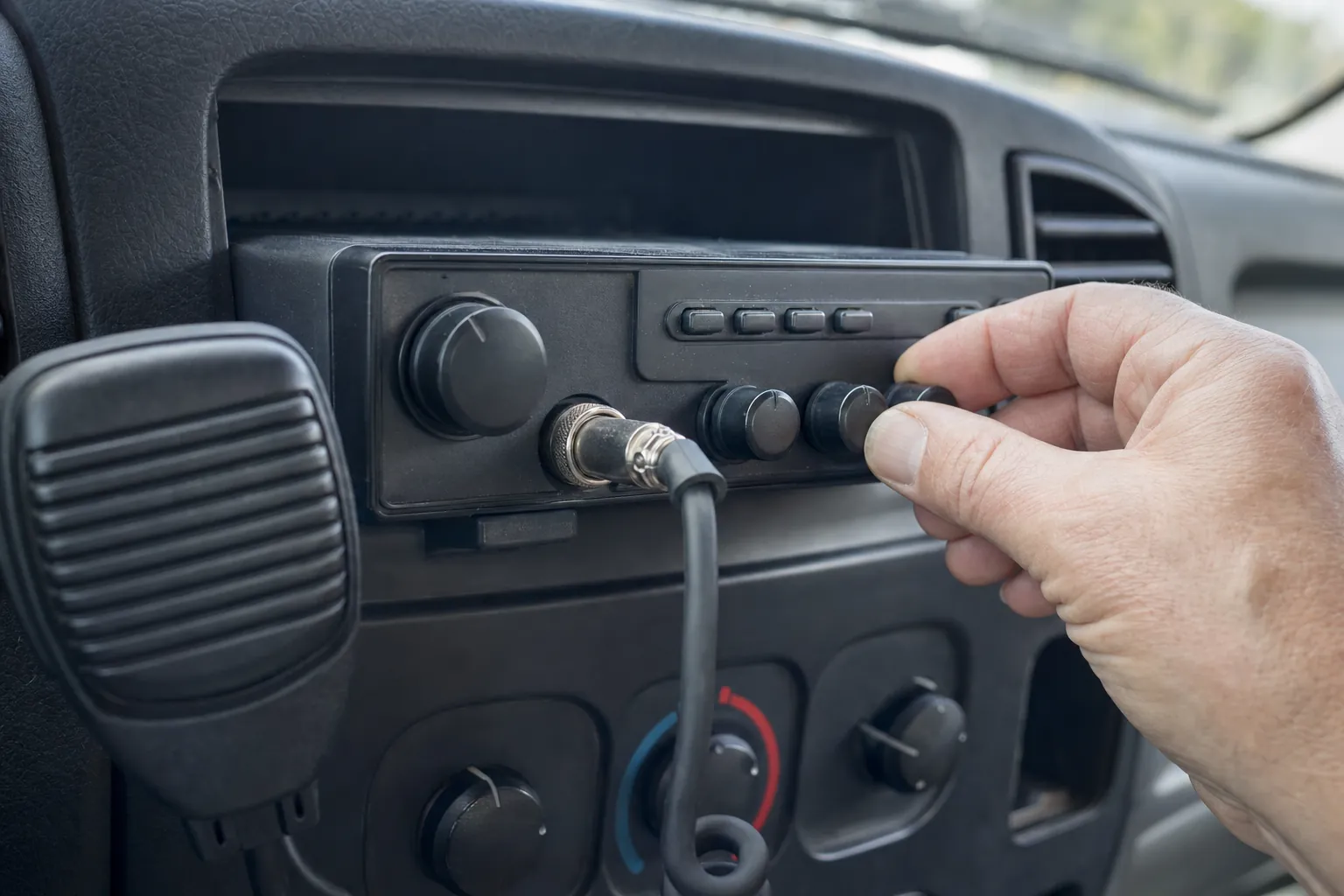
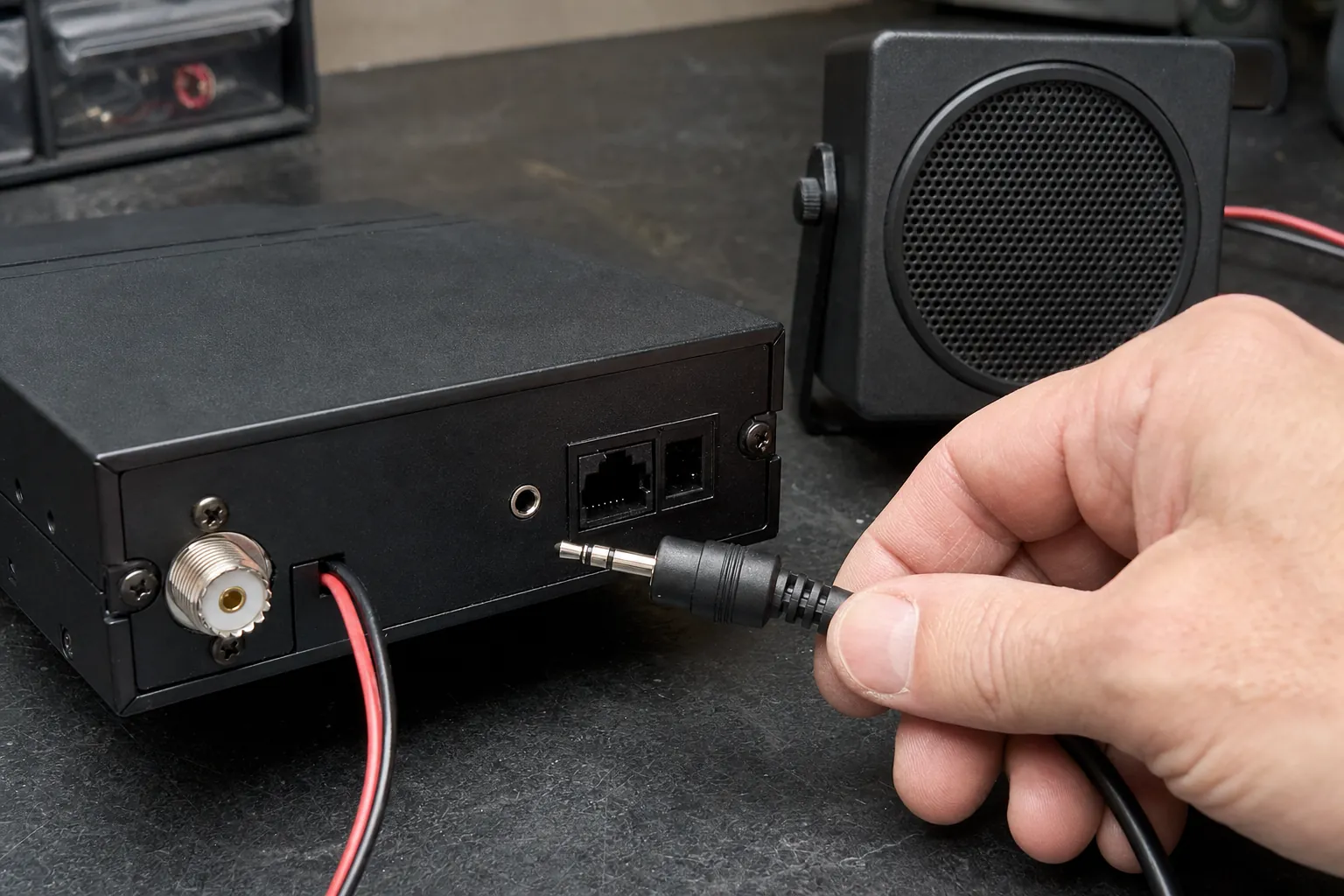
An external speaker is a common reason a CB radio seems to have lost all sound. On many radios, plugging a speaker into the external-speaker jack automatically disconnects or bypasses the radio’s internal speaker. That is useful when the external speaker is working, but a loose, damaged or partially inserted plug can leave the radio silent.
Turn the radio off before touching the plug. Look for a cable pulled hard against the dash, a bent plug, corrosion, a loose speaker bracket or a wire pinched under trim. Remove the external speaker plug, turn the radio back on and repeat the volume and squelch check. If the internal speaker comes back, the radio itself may be fine and the external speaker, cable or plug needs attention.
Do not force a plug into a jack that does not match. Speaker connections vary by radio, and a similar-looking connector is not proof that the wiring is right. The manual for your exact model is the authority for its speaker-jack behavior, impedance requirement and connector type.
4. Rule out microphone, public-address and audio-mode confusion
A connected microphone can add another source of confusion. Check that the microphone plug is fully seated and its locking ring is snug, especially if the radio was recently moved or a microphone was replaced. A damaged microphone cable usually creates a transmit problem, but a plug that is not seated correctly can also make the radio behave in unexpected ways.
Some radios have public-address, weather, talkback, monitor or menu settings that change where audio goes and what you hear. Talkback deserves special attention because hearing your own voice through the speaker does not prove the radio is receiving. It only proves that the radio is passing microphone audio to a speaker. Return the radio to ordinary CB receive operation before checking for outside traffic.
If the radio receives traffic but will not send a useful signal, that is a different symptom. Use the guide for a CB radio that receives but does not transmit to work through the microphone, power and antenna checks in the right order.
5. Inspect the speaker and power connections without opening the case
If the controls and external-speaker check do not restore sound, inspect the installation around the radio. Confirm the radio has a firm ground and power connection, the fuse holder is secure and the dash mount is not squeezing a speaker wire or accessory cable. A radio can light up with a marginal connection, then behave poorly when vibration or a loose connector affects the audio path.
Listen closely for a faint click or hiss as you turn the volume knob. A radio with a working receive section but a failed or disconnected speaker may show normal channel changes and transmit indicators while producing no audible output. An external speaker test can help narrow that down when you know the speaker and connector are compatible with the radio.
Do not bridge wires, bypass the fuse or probe inside the radio without a schematic and the right test equipment. The FCC’s Citizens Band Radio Service overview is a useful reminder that the radio should remain suitable for its intended service. A careful external check is a better first move than turning a simple audio fault into an unknown internal one.
6. Keep the antenna problem separate from the sound problem
The antenna system matters whenever you transmit, but it is not the first place to look for a radio that has no receive audio at all. A bad antenna, coax or mount can reduce receive quality, create weak transmit or produce an unsafe SWR reading. It normally does not explain an internal speaker that has gone completely silent after an external speaker was connected.
Once you have restored receive audio, inspect the antenna system before doing extended transmit tests. A loose connector, damaged coax or poor mount can make a radio appear weak even when the speaker problem is solved. The CB antenna cable guide covers the connection checks worth making, and the ARRL explanation of standing waves explains why a mismatch deserves attention before you keep keying the microphone.
Keep the order disciplined: restore normal receive audio first, confirm the microphone and controls behave normally, then make only brief antenna-system checks. Changing the speaker, microphone, coax and antenna adjustment all at once makes the result impossible to interpret.
7. Know when the radio needs a bench check
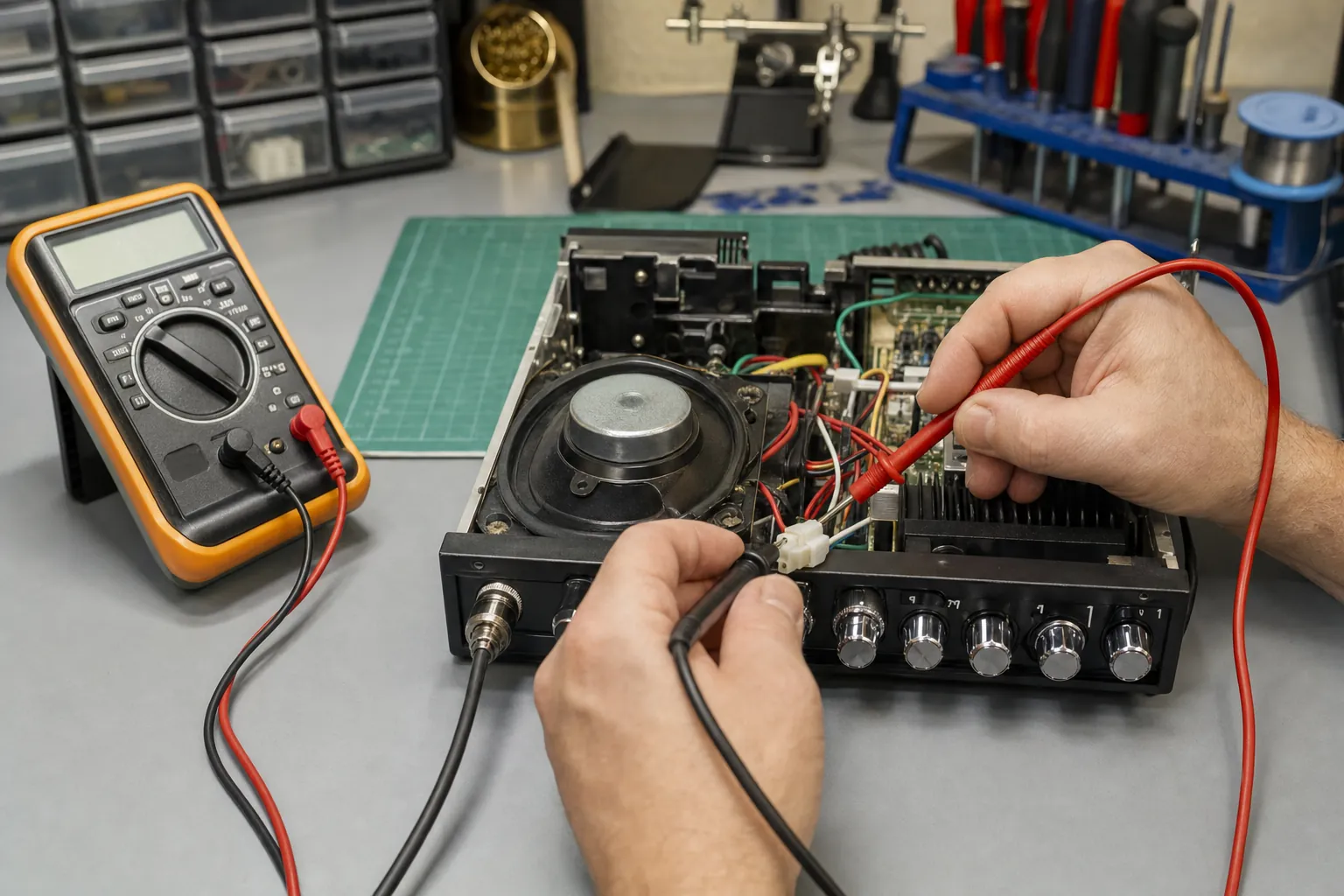
A bench check makes sense when the volume and squelch are set correctly, the external speaker is disconnected or known good, the microphone and modes are normal, and the radio still has no receive sound. At that point, the internal speaker, speaker jack, audio amplifier or a solder connection may need a proper test.
Bring the radio model, microphone model, details about any external speaker, the power setup and a note about whether the radio has display lights, channel changes, transmit indication or any faint hiss. Those facts let a technician start with the likely audio path instead of working from a vague report that the radio “has power but no sound.”
Custom CB Radios can help you separate an accessory or installation issue from a radio that needs repair. A focused CB radio repair request is the practical next step when the external checks have not changed the symptom.
Need a Bench Check?
Bring the symptom, not a guess.
Share the radio model, speaker setup and what happens when you reset the volume and squelch. That gives the shop a useful starting point.
Request a Repair →Frequently asked questions
Why does my CB radio turn on but have no sound?+
Start with the volume and squelch controls, then check whether an external speaker plug is diverting sound away from the radio’s internal speaker. If those checks do not bring sound back, look at the microphone or public-address setting, the speaker connection and any changes made to the installation before assuming the radio has failed.
Can the squelch control make a CB radio seem silent?+
Yes. Squelch is meant to mute background noise until the signal reaches the level you set. Turn it down gradually while the volume is up. If you hear static or traffic when the squelch opens, the receiver and speaker are working and the setting was simply too high.
Will an external speaker stop the CB radio’s internal speaker?+
Many radios route receive audio to an external speaker when a plug is inserted into the speaker jack. A loose, wrong or partially inserted plug can leave the radio silent. Turn the radio off before removing the plug, then test the internal speaker again. Check the manual for the exact behavior of your radio.
Why can I hear talkback but not receive traffic?+
Talkback lets you hear your own microphone audio, so it does not prove that the receive audio path is working. Check the volume, squelch, external-speaker jack and whether there is active traffic or a nearby test radio before treating talkback as a successful receive test.
Should I open a CB radio to fix a sound problem?+
Not as a first step. A quiet radio can have a control, speaker-jack, microphone-mode or wiring issue that is easier to identify from outside the case. If the external checks do not change the symptom, a repair shop can test the speaker, connector and audio circuit without creating more unknowns.
Keep Reading
Related Posts
Guide
How to Test a CB Antenna Before You Transmit
Test a CB antenna with an SWR meter, inspect the mount and coax, read channel 1 and 40 results, and know when to stop and diagnose the installation.Read the guide →
Guide
How to Install a CB Radio: A Practical Vehicle Guide
Plan a safe, dependable CB radio installation by choosing the radio location, power route, antenna mount, coax path and final SWR check in the right order.Read the guide →
Guide
Do Truckers Still Use CB Radios? What They’re Good For
CB radios are still useful for nearby, real-time road communication. Learn where they fit alongside a phone, what to expect and how to build a dependable truck setup.Read the guide →
Guide