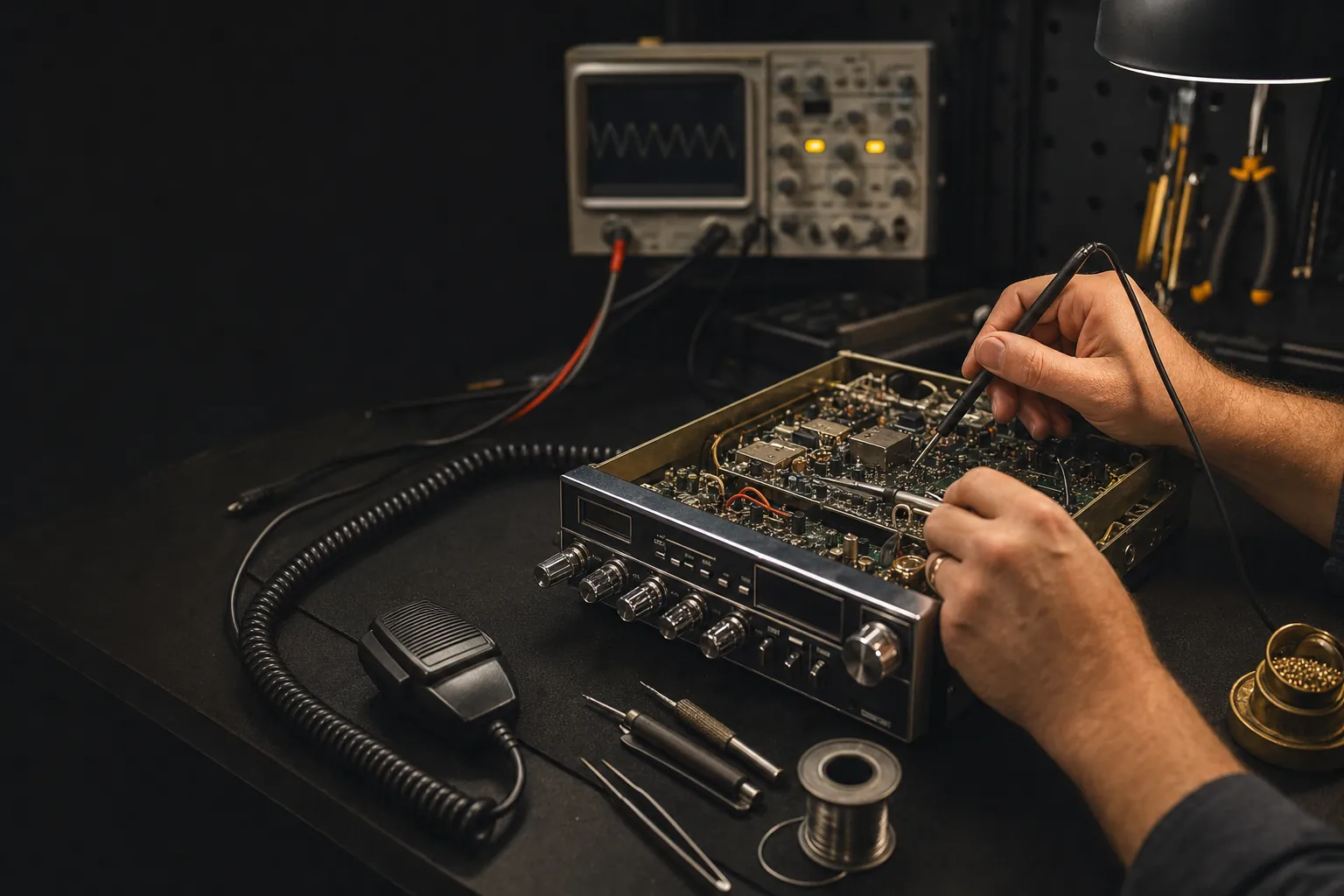
A CB radio problem does not always mean the radio itself needs to be replaced. The radio, microphone, power lead, antenna, mount and coax work as one system. A loose connector or poor antenna connection can feel exactly like a radio failure from the driver’s seat. Starting with the easy, visible checks can save money and gives a repair shop a much clearer place to begin if the issue is inside the radio.
This guide covers safe external checks, not internal alignment or component-level repair. Leave the case closed unless you have the model-specific documentation, proper test equipment and the experience to use it. The goal is to identify a repeatable symptom, protect the equipment and decide whether the next best move is a connection fix, an antenna check or professional service.
1. Write down the exact symptom
“My CB is broken” is understandable, but it is not enough to diagnose the problem. Turn the radio on and note what works. Does the display light? Can you hear static or nearby traffic? Does the transmit light come on when you press the microphone button? Does the radio reset, dim or go silent when you key it? Did the problem start suddenly, after an installation change or after a rough trip?
Those observations divide a vague fault into useful paths. A radio that receives but will not key sends you toward the microphone, push-to-talk switch and power feed. A radio that keys but cannot be heard points toward microphone audio, controls or the antenna system. A radio with no sound at all may need a volume, squelch, external-speaker or mode check before it needs bench service. Our guide for a CB radio that turns on with no sound walks through that specific symptom.
2. Check the power lead and fuse
A CB can appear to turn on with a marginal power connection, then fail as soon as transmission demands more current. With the radio off, inspect the power plug, positive and negative leads, inline fuse holder and the place where the radio connects to the vehicle. Look for a loose plug, corroded contact, heat-damaged fuse holder, rubbed wire or a lead that moves with vibration.
Use only the fuse type and rating specified for your radio. Never bypass a blown fuse or install a larger one just to see what happens. A fuse that opens is a reason to find the cause, not a permission slip to overpower the circuit. If the display flickers, the radio restarts or the transmit light changes when the power lead moves, correct that connection before looking for a deeper fault.

3. Inspect the microphone and push-to-talk switch
The microphone controls the change from receive to transmit, so it is one of the most useful places to check. Turn the radio off, unplug the microphone and inspect the plug, locking ring, pins and socket. Look for bent pins, corrosion, a loose collar or a cord that has been stretched or pinched. Reconnect it squarely and hand-tighten the retainer if the plug uses one.
Then do one short test transmission with the antenna connected. Watch the transmit light or meter. If nothing happens when you press push-to-talk, the microphone plug, cord, switch, power connection or radio’s transmit circuit needs attention. If the radio keys but no one hears audio, check the mic gain and microphone connection before assuming the final stage is at fault. A known-good compatible microphone can be a helpful comparison, but do not plug in a random similar-looking microphone, because wiring can differ between radios.
For a radio that receives normally but will not transmit, follow the fuller receive-but-no-transmit checklist. It keeps the order of checks sensible and explains what each result tells you.

4. Confirm the controls and speaker path
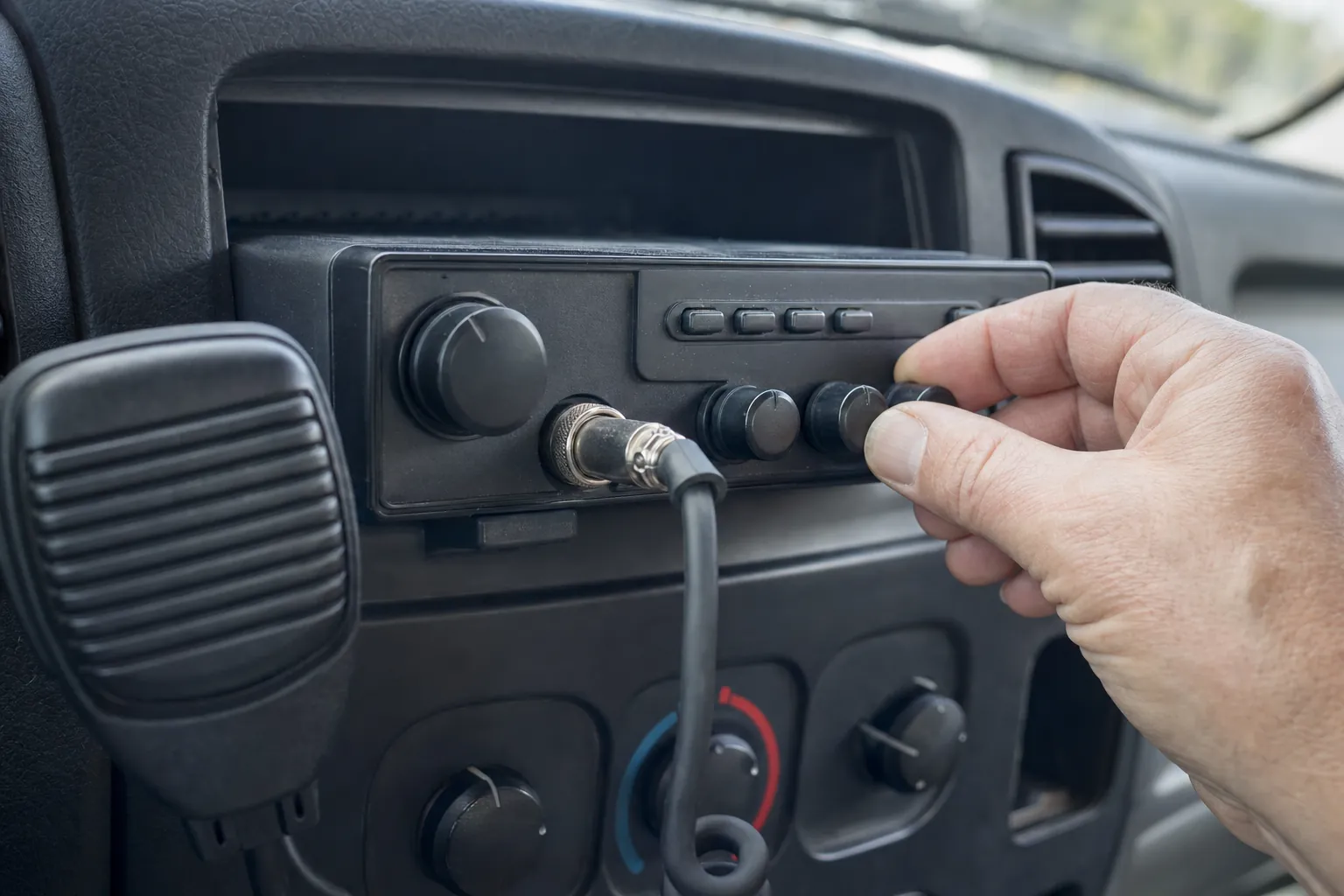
Before opening a radio, reset the obvious controls to a normal position. Bring the volume up, lower the squelch gradually, check the channel and operating mode, and make sure a public-address or weather setting is not taking over the audio path. If an external speaker is fitted, remove and reseat the plug with the radio off. Many radios route receive audio away from the internal speaker when a plug is inserted, so a damaged or partly inserted plug can make an otherwise working radio seem silent.
Use short, deliberate checks. A nearby test radio can help you tell whether your unit is receiving and transmitting, but keep enough distance to avoid overload. Hearing your own talkback does not prove the antenna is transmitting correctly. It only proves you can hear microphone audio inside the cab.
5. Check the antenna system before repeated transmission
Do not judge the radio without checking the path that carries its signal out. Follow the coax from the radio to the antenna. Look for a loose PL-259 connector, crushed cable, sharp bend, corrosion, a mount that has loosened or an antenna that has been knocked out of position. A poor coax or mount connection can create weak transmission, poor receive and an unsafe SWR reading.
Once the cables and mount look sound, take a brief, controlled SWR reading. The CB SWR meter guide shows how to connect and calibrate the meter, while the coax cable guide covers the damage and connector problems worth looking for. The ARRL’s explanation of standing waves is useful background on why an antenna mismatch can send power back toward the radio.
If the reading is clearly high, unstable or changes when the cable is touched, stop testing. Do not keep keying the microphone, shorten the antenna at random or replace the radio to make the symptom disappear. The antenna, mount, coax and connector issue needs to be isolated first. The FCC’s current CB service rules are also worth reviewing before making equipment changes.
6. Decide when a repair bench is the right next step
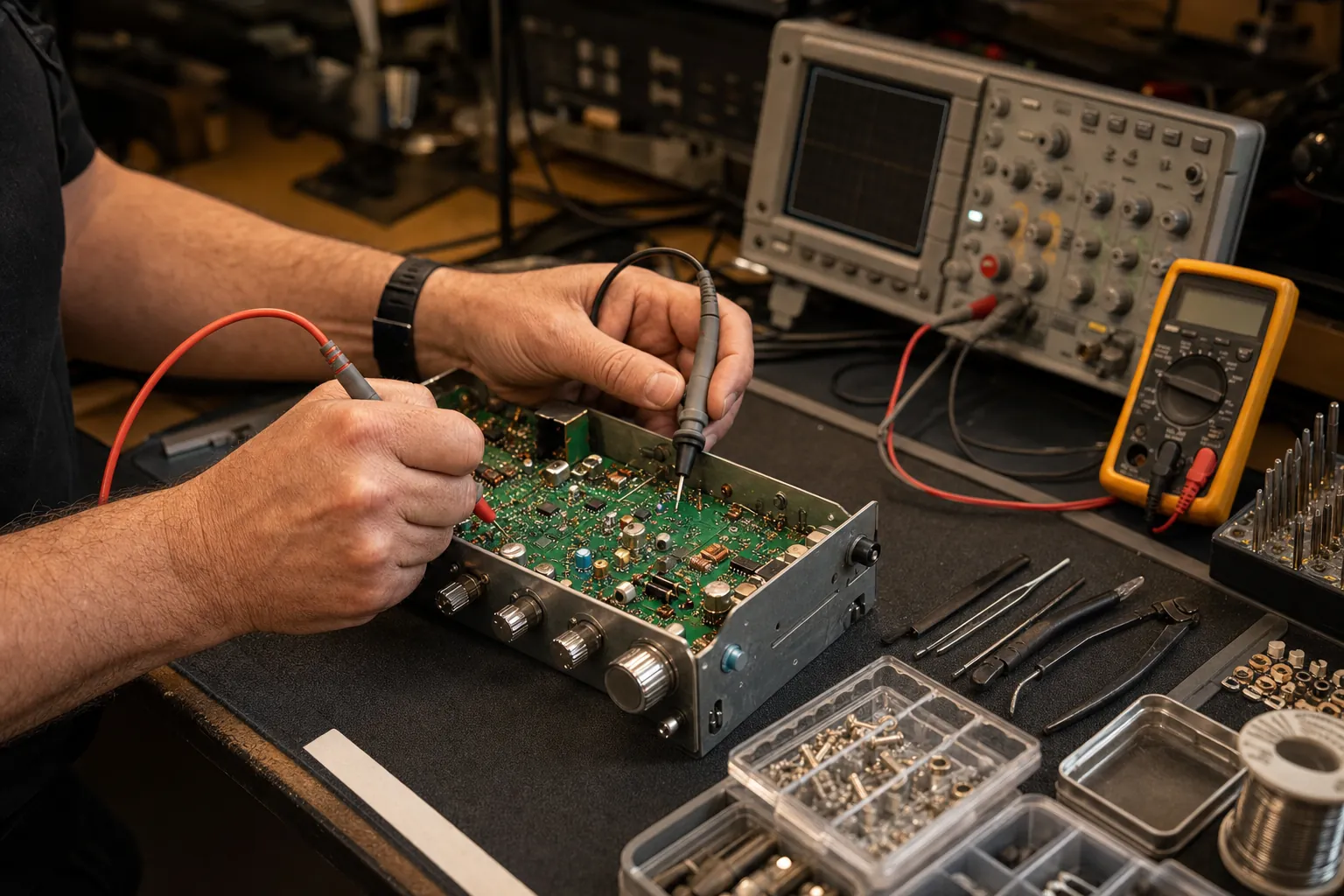
After the external checks, the remaining problem is usually much clearer. A radio with verified power, a good microphone, working controls and a sound antenna system that still will not receive, transmit or hold a stable operation needs a bench diagnosis. The same is true if there is a burnt smell, liquid damage, a damaged circuit board, a fuse that repeatedly opens or a change in behavior after the radio has been dropped.
Do not chase an internal adjustment without the correct service information and instruments. Many adjustments interact with one another, and a small twist made to solve one symptom can make the radio harder to diagnose later. A repair begins more efficiently when the technician receives the radio model, a description of the symptom, the antenna setup and the checks already completed.
When you are ready, use the repair request to share those details. Custom CB Radios can start from the actual problem rather than treating every failure like a reason to sell a replacement. If the fault turns out to be in the installation instead, the information you gathered still makes the next decision easier.
Need a Clear Next Step?
Bring the symptom, not a guess.
Share the radio model, what changed and the checks you have already made. That gives the shop a useful starting point for repair help.
Request a Repair →Frequently asked questions
Can I repair a CB radio myself?+
You can safely check the external parts of the system first: the power lead and fuse, microphone, controls, antenna connection and coax. Opening the radio or changing internal adjustments without the right information and test equipment can turn a simple fault into a more expensive repair.
Why does a CB radio turn on but not work correctly?+
A radio can power up while still having a problem with the microphone, speaker path, power connection, controls, antenna system or an internal circuit. Notice whether it receives, keys the transmit light, has sound and changes behavior when the cord or power lead moves. Those details point to the right next check.
Should I replace a CB radio before having it checked?+
Not automatically. A loose microphone, poor power connection, damaged coax or antenna issue can make a healthy radio seem faulty. Check the outside of the system first, then request service with the model, symptom and checks already completed if the problem remains.
Is it safe to transmit with a damaged antenna or high SWR?+
No. Do not keep keying the microphone into a clearly high or unstable SWR reading. Inspect the antenna, mount, coax and connectors before making more test transmissions.
Keep Reading
Related Posts

Guide
How to Install a CB Radio: A Practical Vehicle Guide
Plan a safe, dependable CB radio installation by choosing the radio location, power route, antenna mount, coax path and final SWR check in the right order.Read the guide →
Guide
Do Truckers Still Use CB Radios? What They’re Good For
CB radios are still useful for nearby, real-time road communication. Learn where they fit alongside a phone, what to expect and how to build a dependable truck setup.Read the guide →
Guide
CB Radio Turns On but Has No Sound? 7 Checks Before Repair
CB radio turns on but no sound? Check the volume, squelch, external speaker, microphone and audio modes before booking a repair.Read the guide →
Guide